
Wisott
Sales goals, accounts and forecasts from Salesforce, in a clean app every rep can use on the move.

The challenge
Sales reps lived inside Salesforce on desktop, but on the road they had no quick way to set goals, check their accounts or see how the quarter was tracking.
What we designed
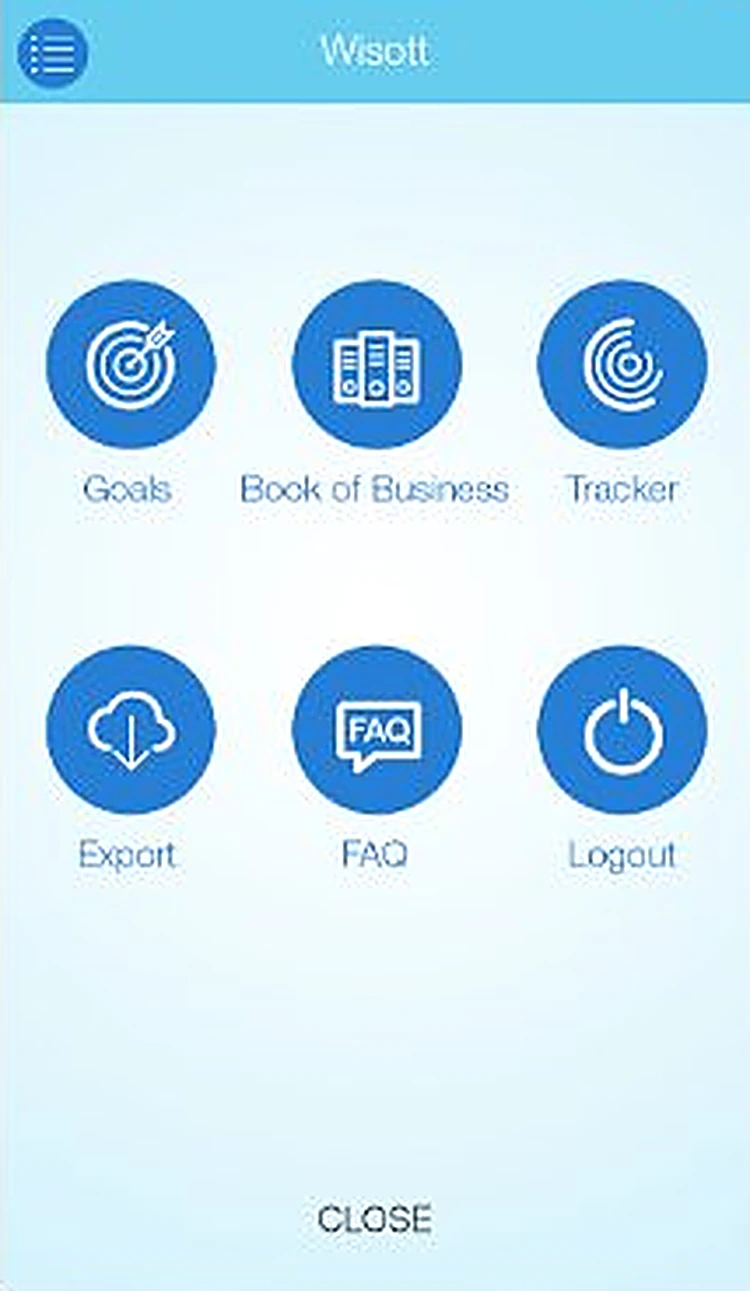
We stripped the experience down to six big actions on one dashboard, used Salesforce sign-in so there was nothing new to remember, and turned forecast data into gauge and pie charts a rep can read in a glance.
- Logo and 3 app icon options
- 11 iOS screens
- Dashboard and goal flows
- Sales report charts
- FAQ and help content
See Wisott in motion
A short launch film we made for Wisott: the real screens in motion, a voice-over and an original soundtrack. Ready for the App Store preview, Instagram Reels, TikTok and YouTube Shorts.
- Vertical 9:16, made for social
- Professional voice-over and music
- Built from the final app designs
The Wisott story, drawn by hand
We presented Wisott to the client as one long hand-drawn storyboard: sketched hands and phones walking through the app, screen by screen. Scroll to flip through it.

How someone moves through Wisott
- 01SplashThe Wisott cloud over a city skyline.
- 02DashboardGoals, book of business, tracker, export, FAQ and logout.
- 03
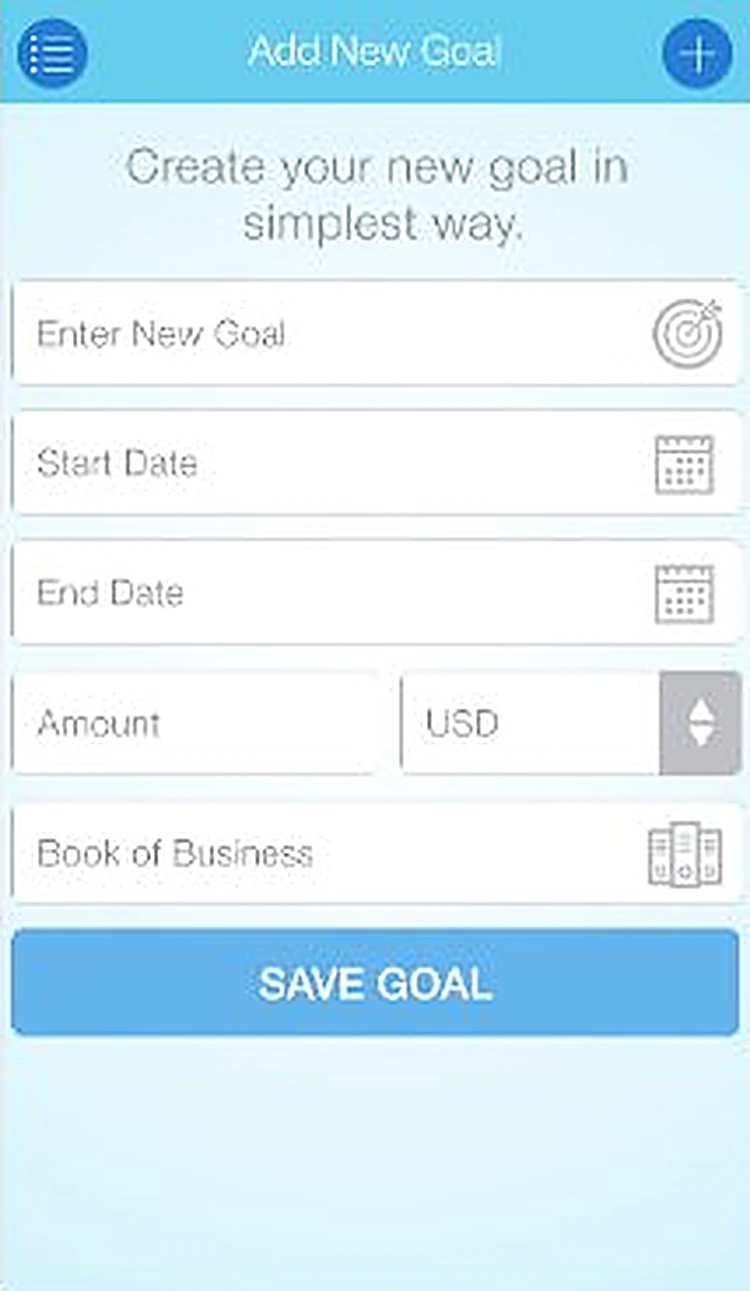 Add new goalCreate a new goal in the simplest way.
 - 04
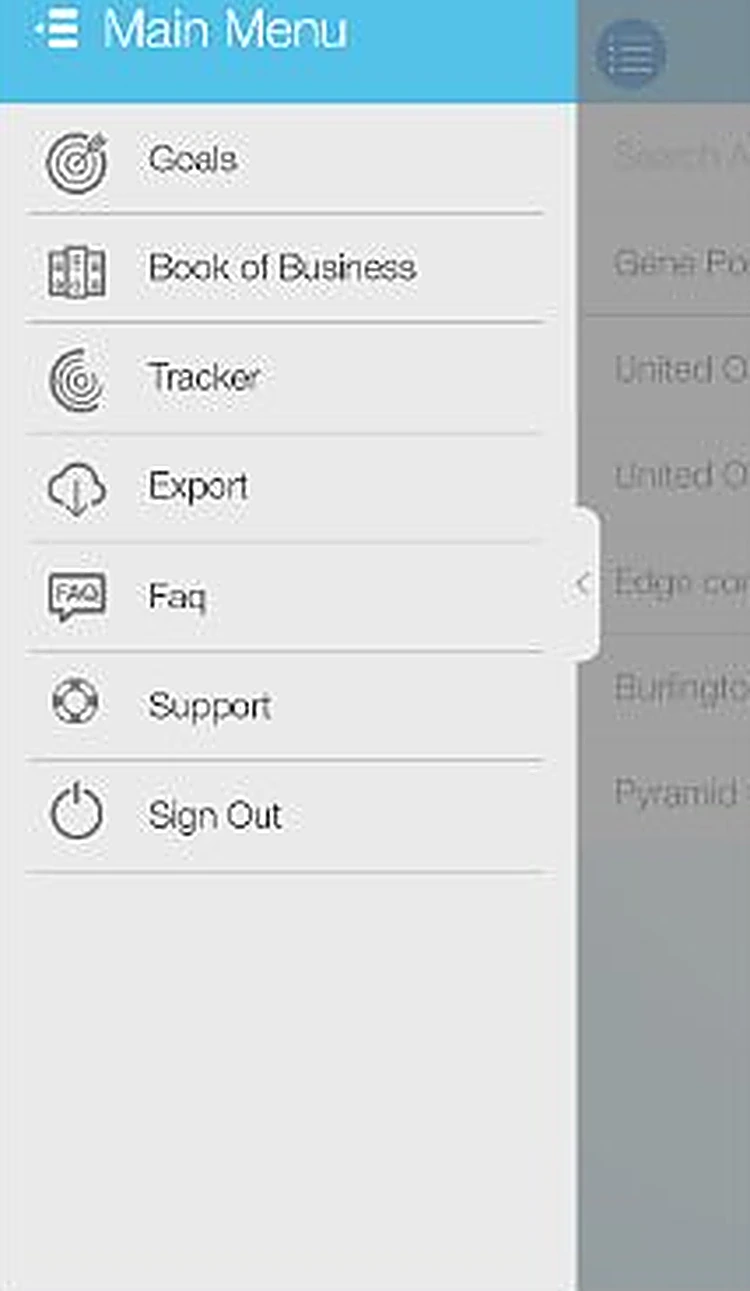 Main menuA slide-out menu to every part of the app.
 - 05
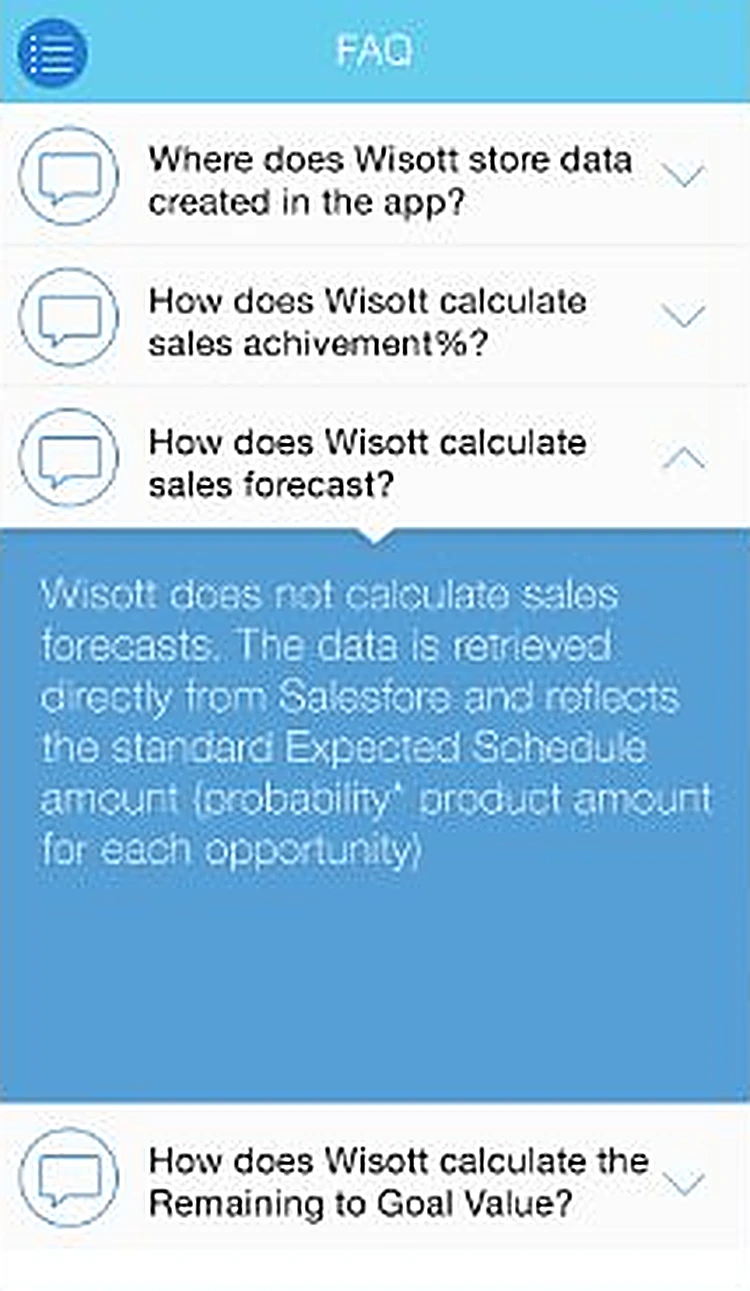 FAQAnswers about where data comes from and how forecasts work.
 - 06
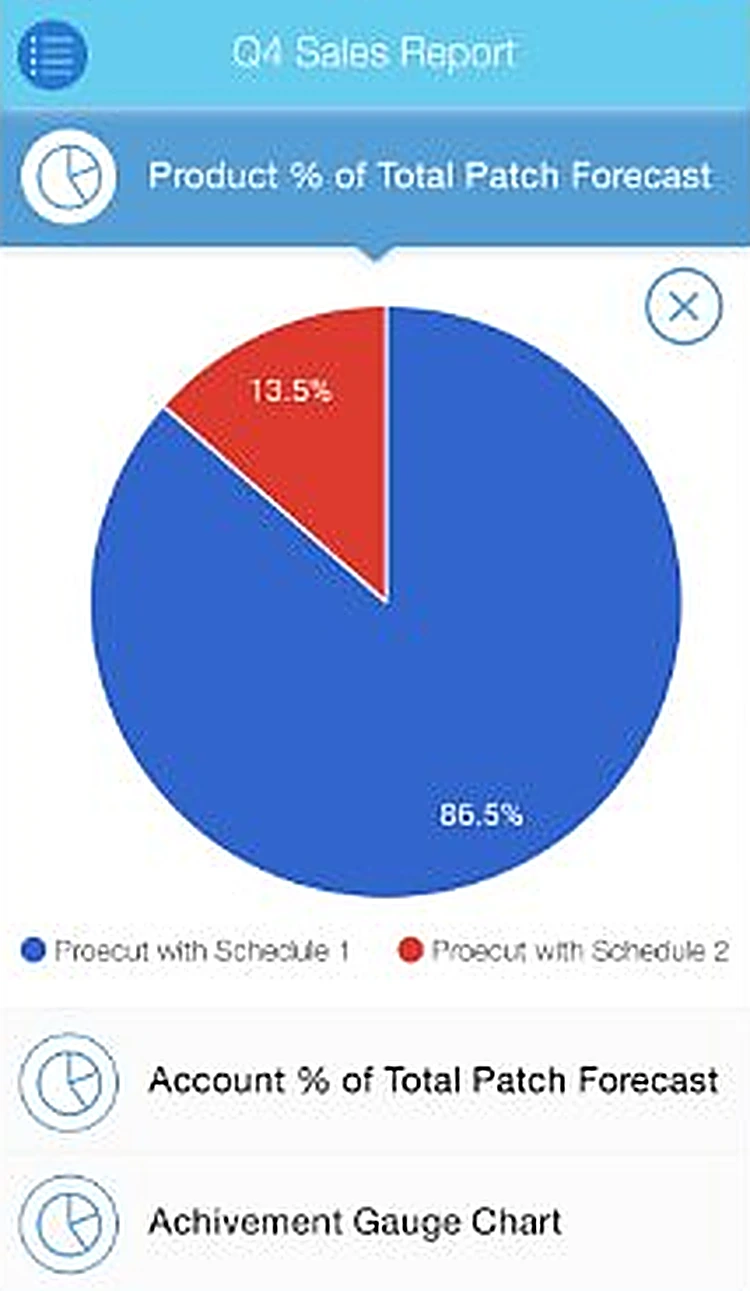 Product forecastForecast split by schedule as a pie chart.
Every screen, all the way round.
Drag to spin the carousel, or let it turn on its own.
Designed around what users need most
Salesforce login
Reps sign in with the Salesforce account they already use.
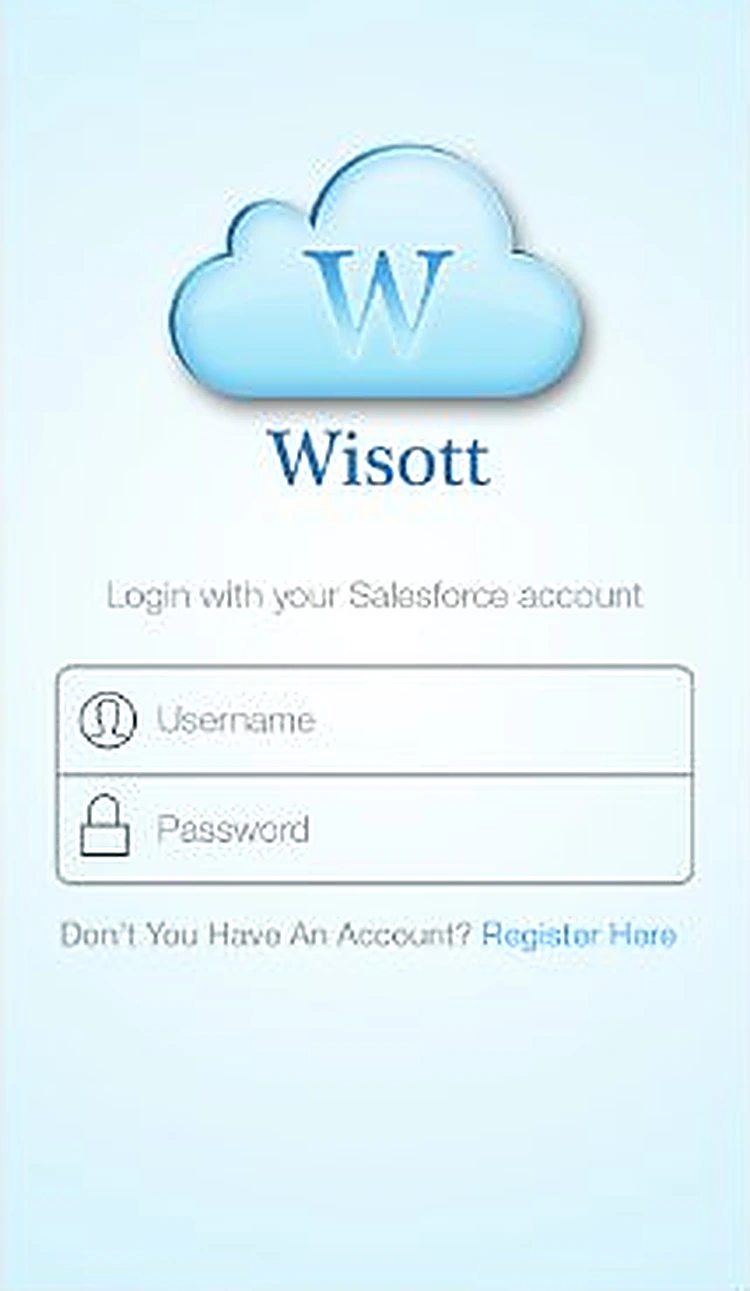
Login. Sign in with a Salesforce account.
Goals and accounts
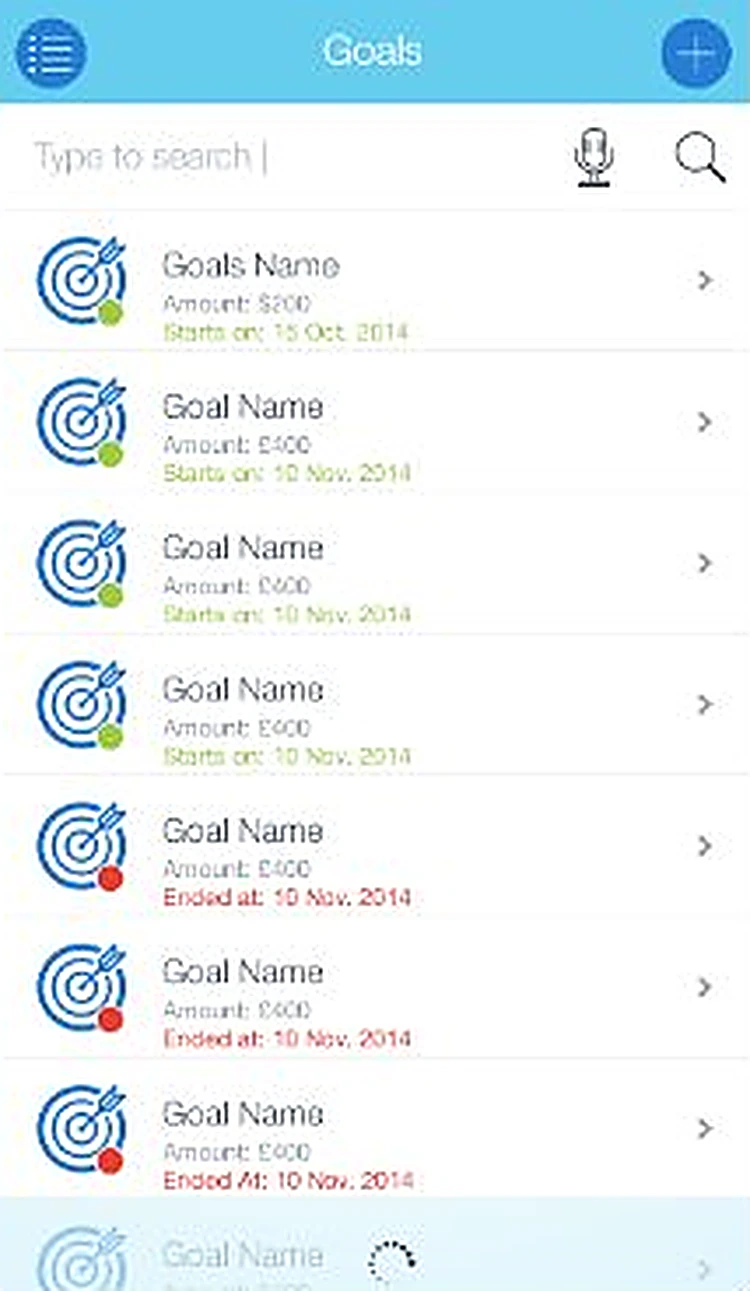
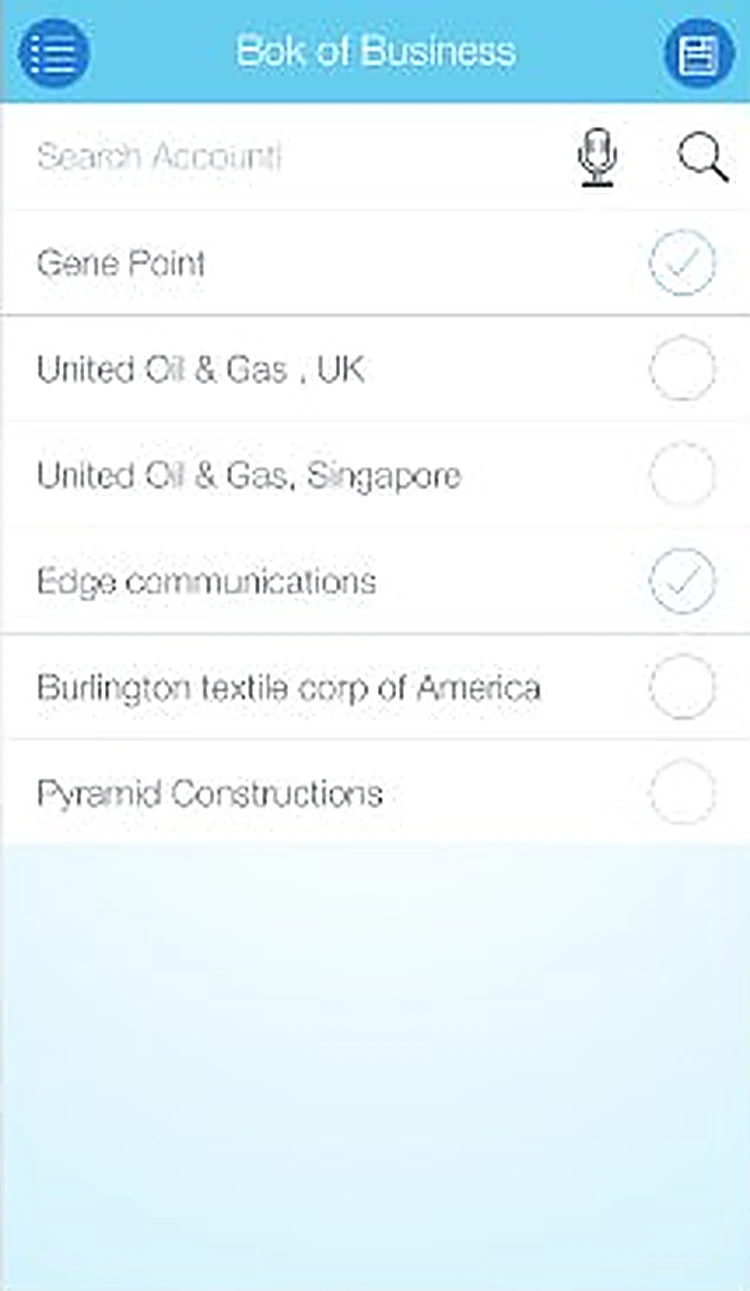
Create goals and manage the book of business in seconds.
Add new goal. Create a new goal in the simplest way.
Sales reports
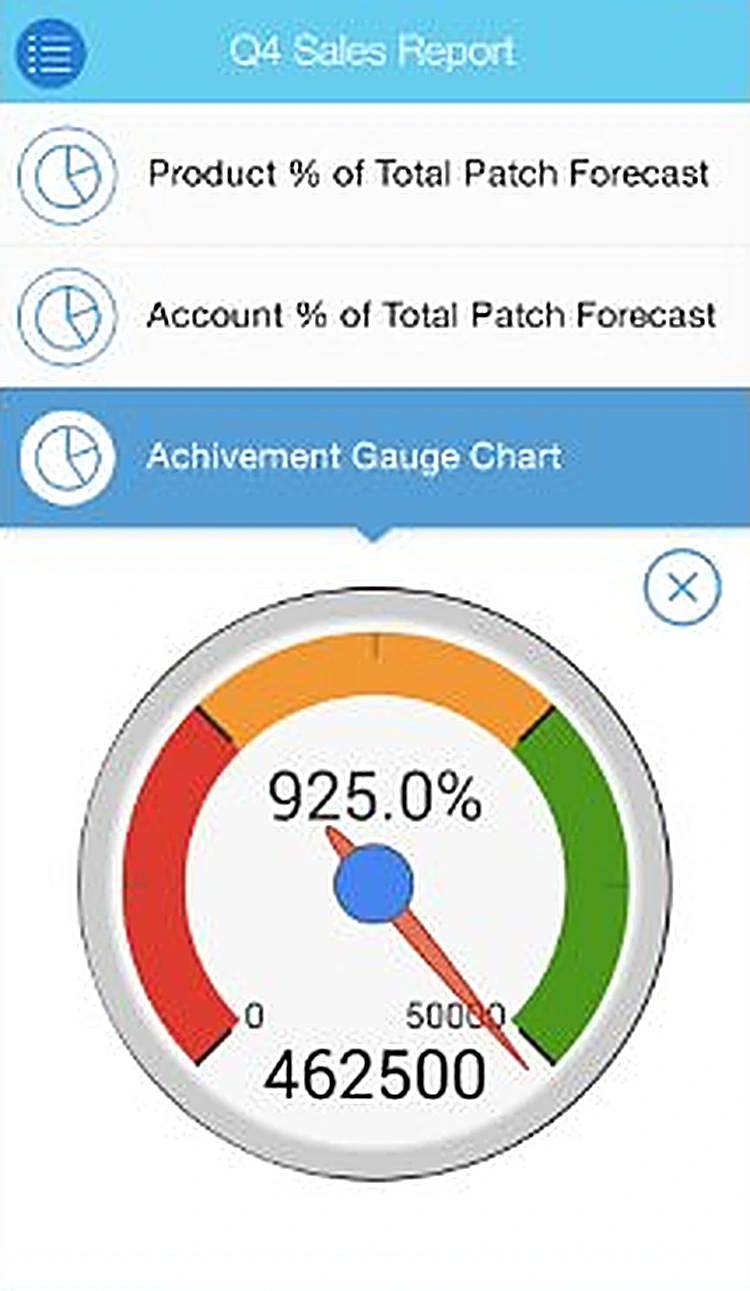
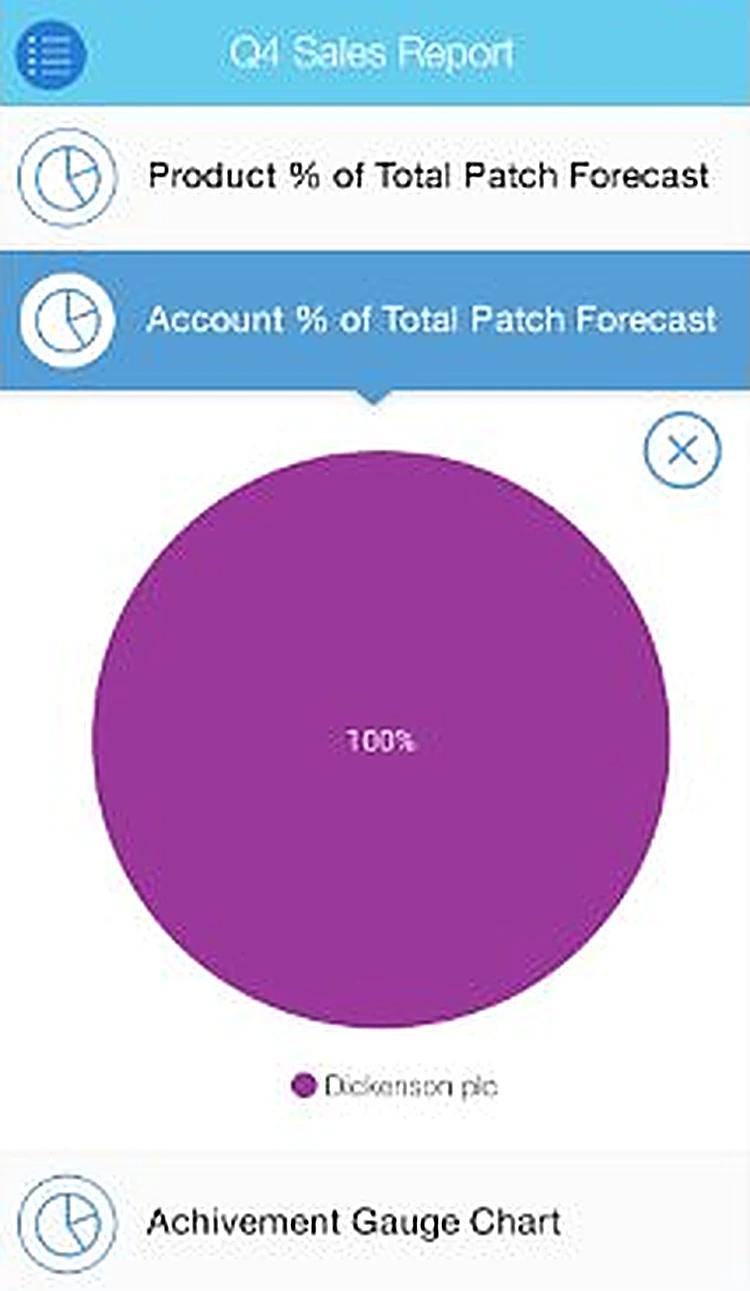
Achievement gauge and forecast pie charts for the quarter.
Achievement gauge. Q4 achievement against goal at a glance.
Tracker, export and FAQ
Track progress, export data and get answers in the app.
Product forecast. Forecast split by schedule as a pie chart.
All 11 screens
Hover a screen to lift it out of the layout.
Colour palette
The main colours across the Wisott screens, measured from the designs themselves, with how much of the interface each one covers.
- #FFFFFF81% of screens
- #59A9DD6% of screens
- #81D4EF5% of screens
- #A043904% of screens
- #3D77CB3% of screens
- #95AAB22% of screens
Have an app idea like Wisott?
Tell us what you want to build. We'll reply with a free consultation, a design approach and a clear quote.