
FramebyMail
Create your very own photo frame and have it sent to you by post.

The challenge
Ordering a framed photo usually means a trip to a shop or a fiddly website, and it's hard to picture how a photo will look in the frame.
What we designed
We turned it into a short, friendly journey: pick a frame from themed collections, add and crop a photo, see it in the frame, then pay one price that includes postage. A crafted look with striped wallpaper, hanging frames and a wooden sign makes it feel like a gift shop.
- Welcome screen
- Frame browser and collections menu
- Photo picker and editor
- Frame preview
- Checkout with address lookup
- 7 iOS screens
How someone moves through FramebyMail
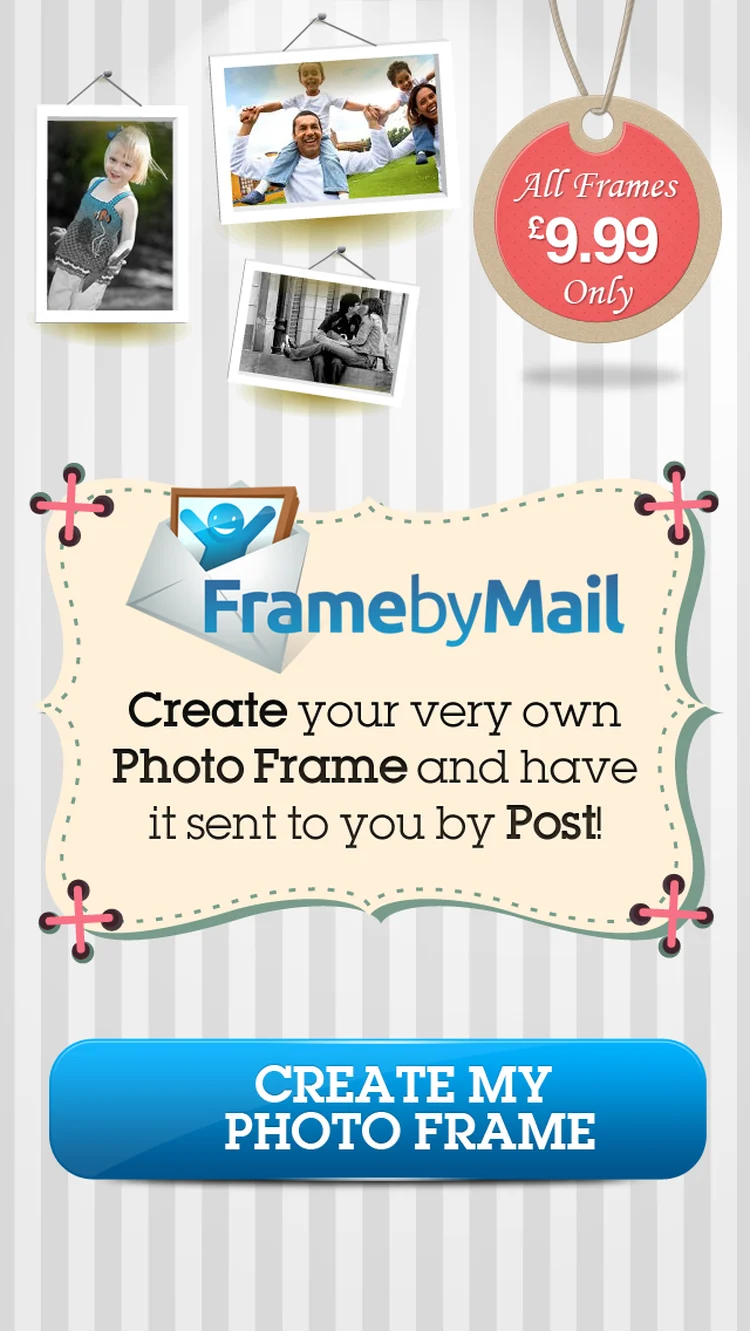
- 01WelcomeCreate your own photo frame and have it sent by post, with every frame at one price.
- 02Select your frameSwipe through frames under a hanging wooden sign.
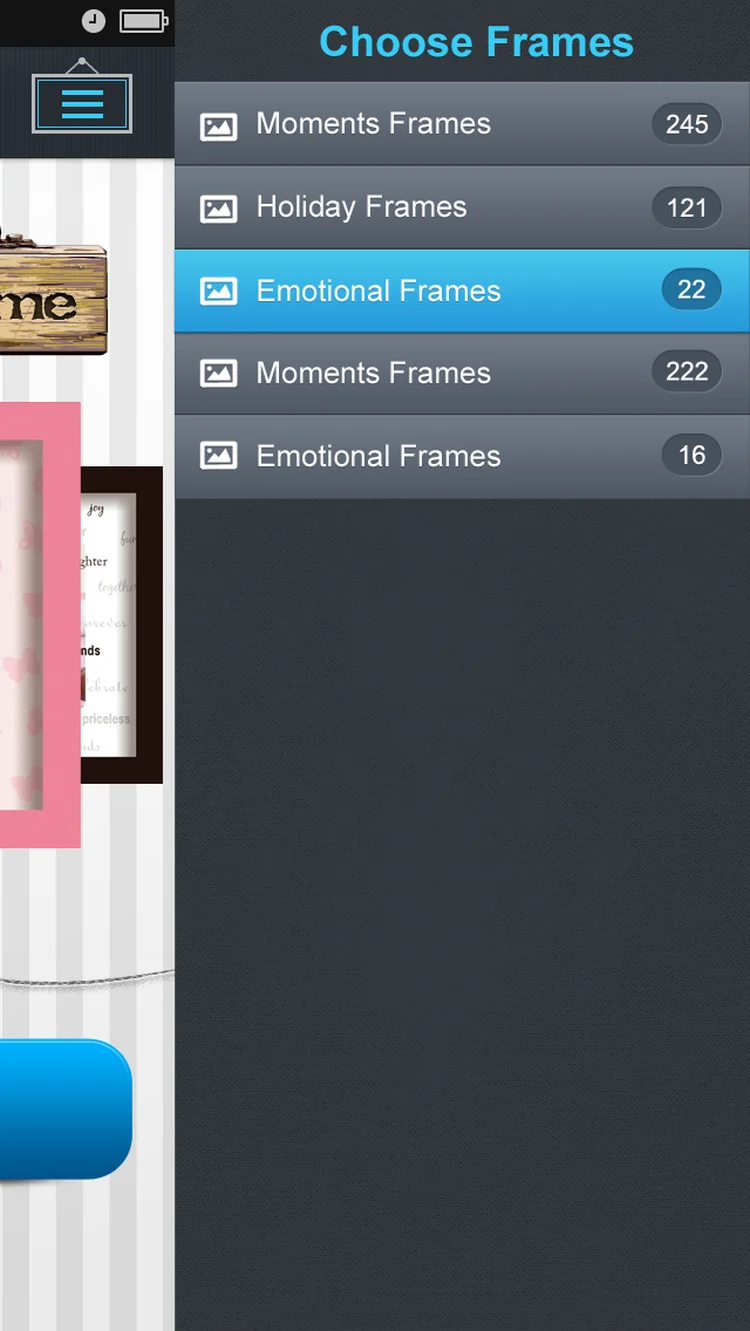
- 03Frame collectionsA slide-out menu of themed collections, with how many frames each holds.
- 04
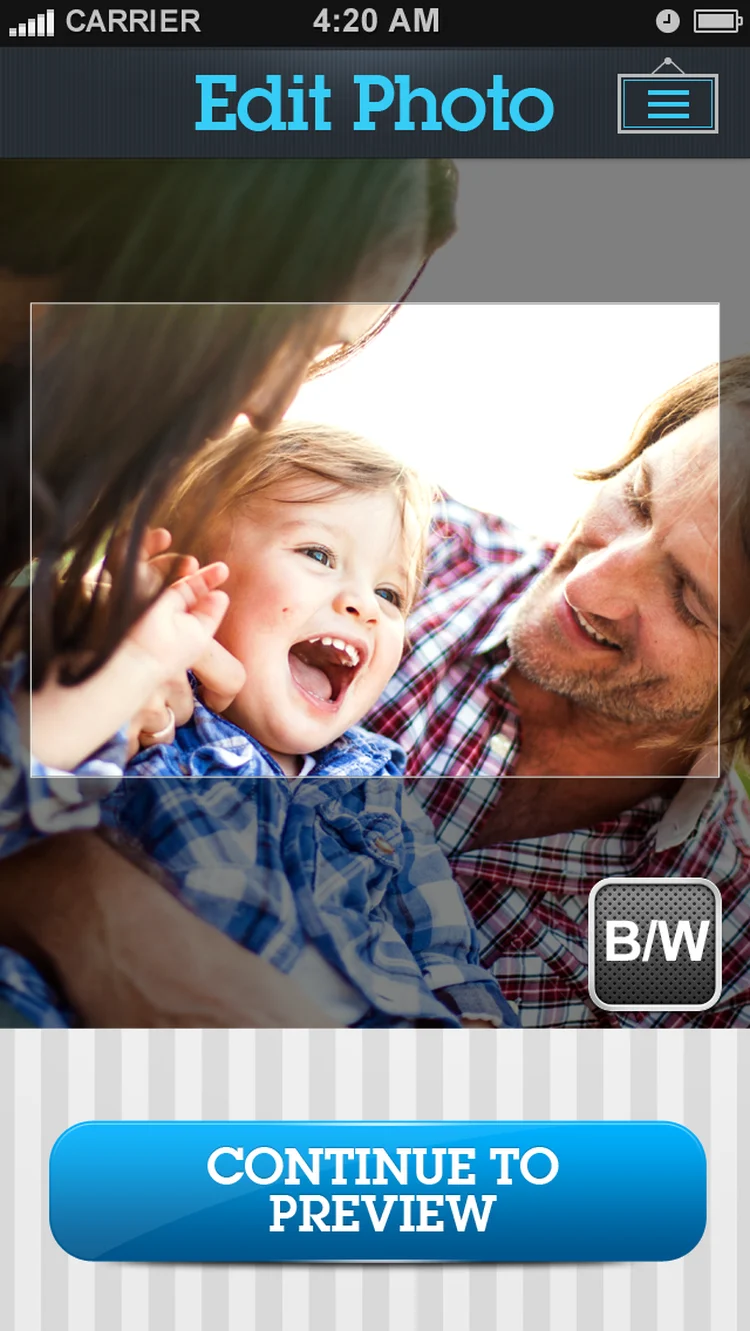 Edit photoCrop the photo to fit the frame and switch to black and white.
 - 05
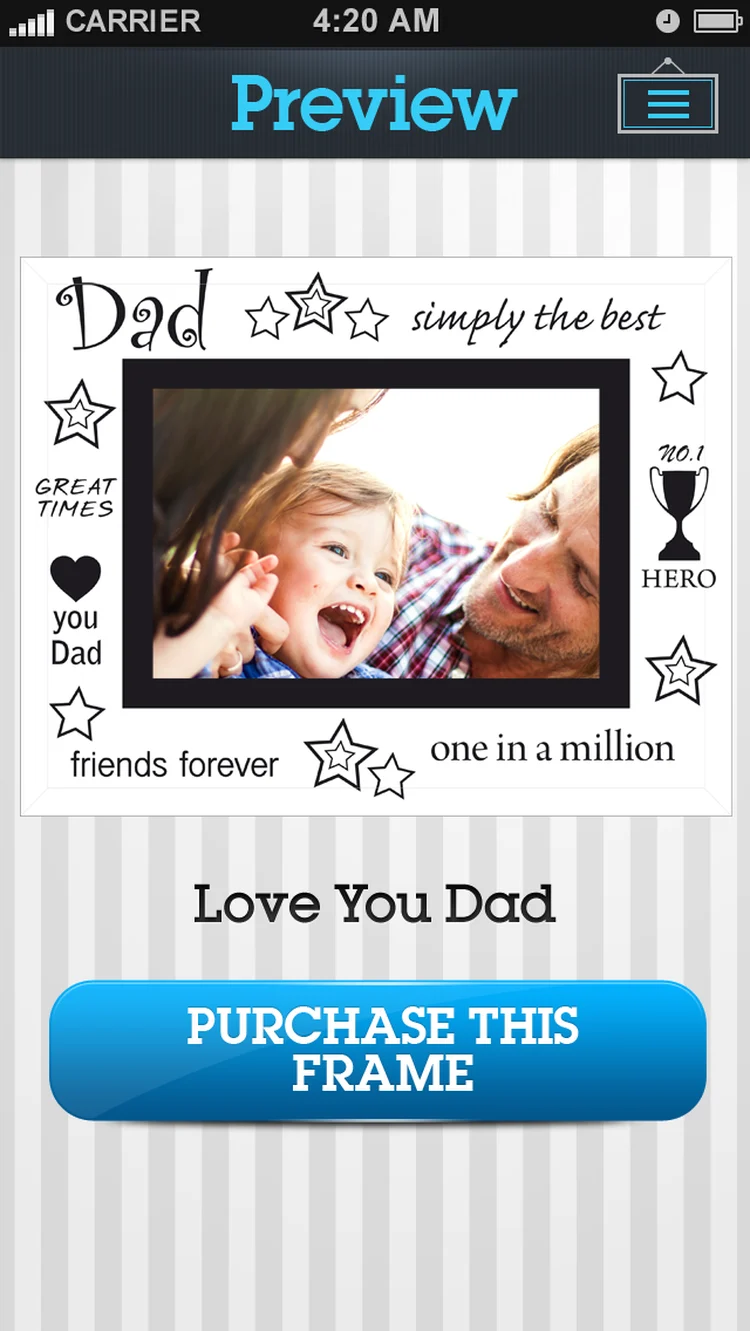 PreviewSee the photo in the chosen frame before buying.
 - 06
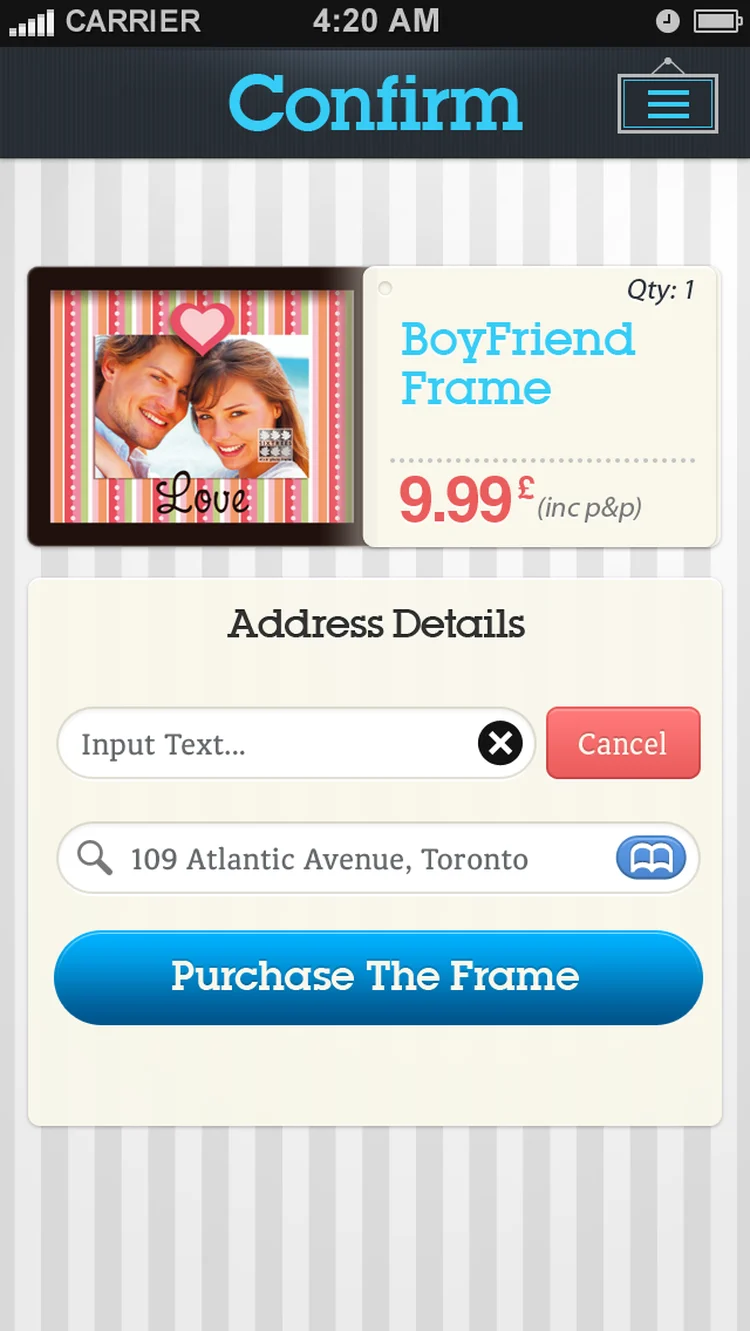 Confirm and payThe frame, the price with postage, and the delivery address in one step.
Every screen, all the way round.
Drag to spin the carousel, or let it turn on its own.
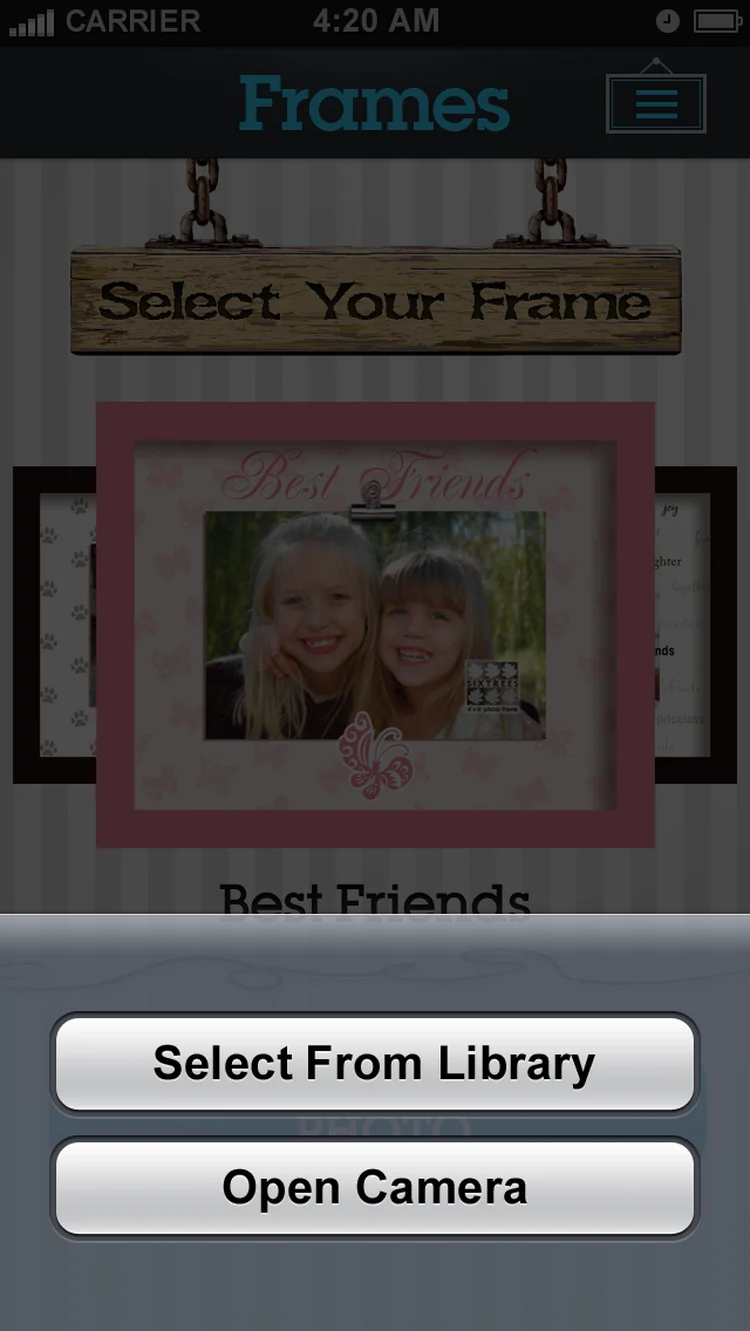
Designed around what users need most
Hundreds of frames
Moments, holiday and emotional collections in a slide-out menu.
Select your frame. Swipe through frames under a hanging wooden sign.
Photo editing
Pick from the library or camera, crop to fit and switch to black and white.
Choose a photo. Pick a photo from the library or take one with the camera.
Live preview
See your photo in the frame before you buy.
Edit photo. Crop the photo to fit the frame and switch to black and white.
Order by post
One price including postage, with address lookup at checkout.
Confirm and pay. The frame, the price with postage, and the delivery address in one step.
All 7 screens
Hover a screen to lift it out of the layout.
Colour palette
The main colours across the FramebyMail screens, measured from the designs themselves, with how much of the interface each one covers.
- #E0E0E046% of screens
- #32383C32% of screens
- #535B649% of screens
- #1311116% of screens
- #3D9CC84% of screens
- #0A60913% of screens
Have an app idea like FramebyMail?
Tell us what you want to build. We'll reply with a free consultation, a design approach and a clear quote.