
Plaiout
Scan any QR code, find places on the map and keep a history of everything you've scanned.
The challenge
Scanning a QR code usually meant a random app full of ads and no record of what you'd scanned.
What we designed
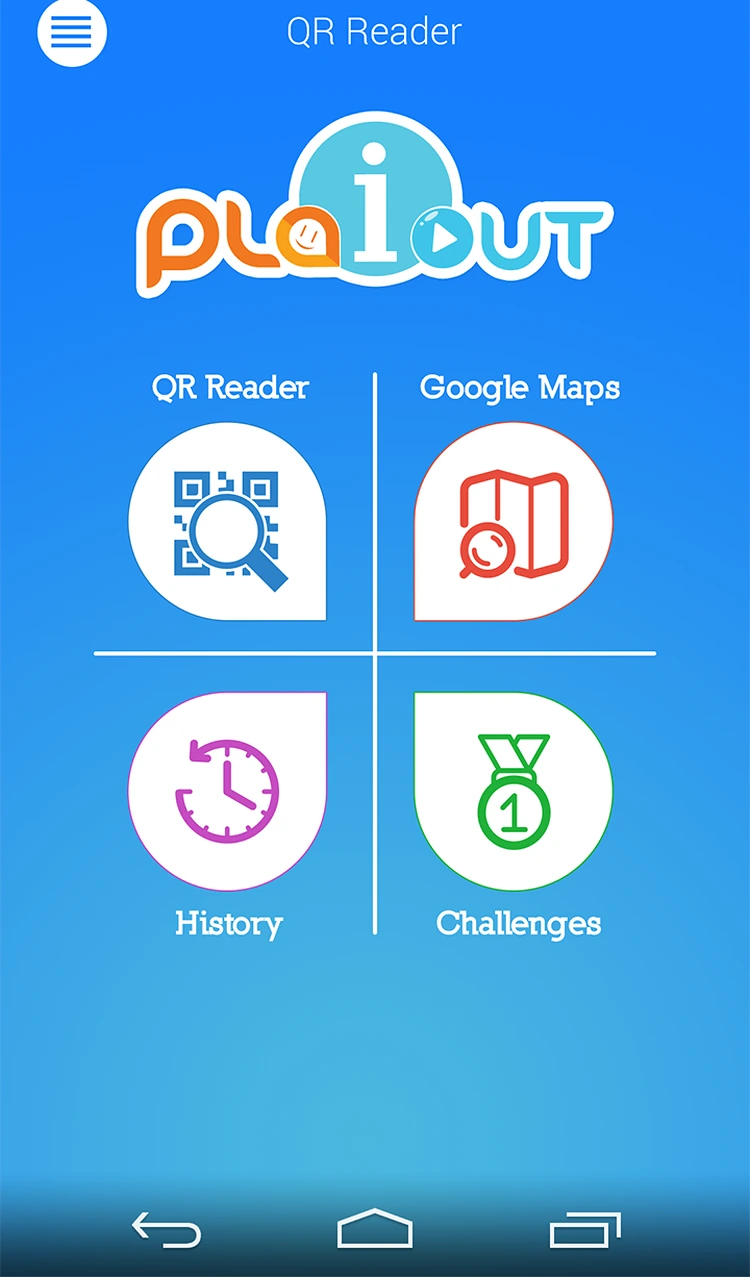
We designed a friendly logo and a four-tile home for the QR reader, maps, history and challenges, with every scan saved and one tap to directions.
- Logo
- 6 Android screens
- QR scanner
- Maps and directions
- Scan history
How someone moves through Plaiout
- 01HomeQR reader, maps, history and challenges in four tiles.
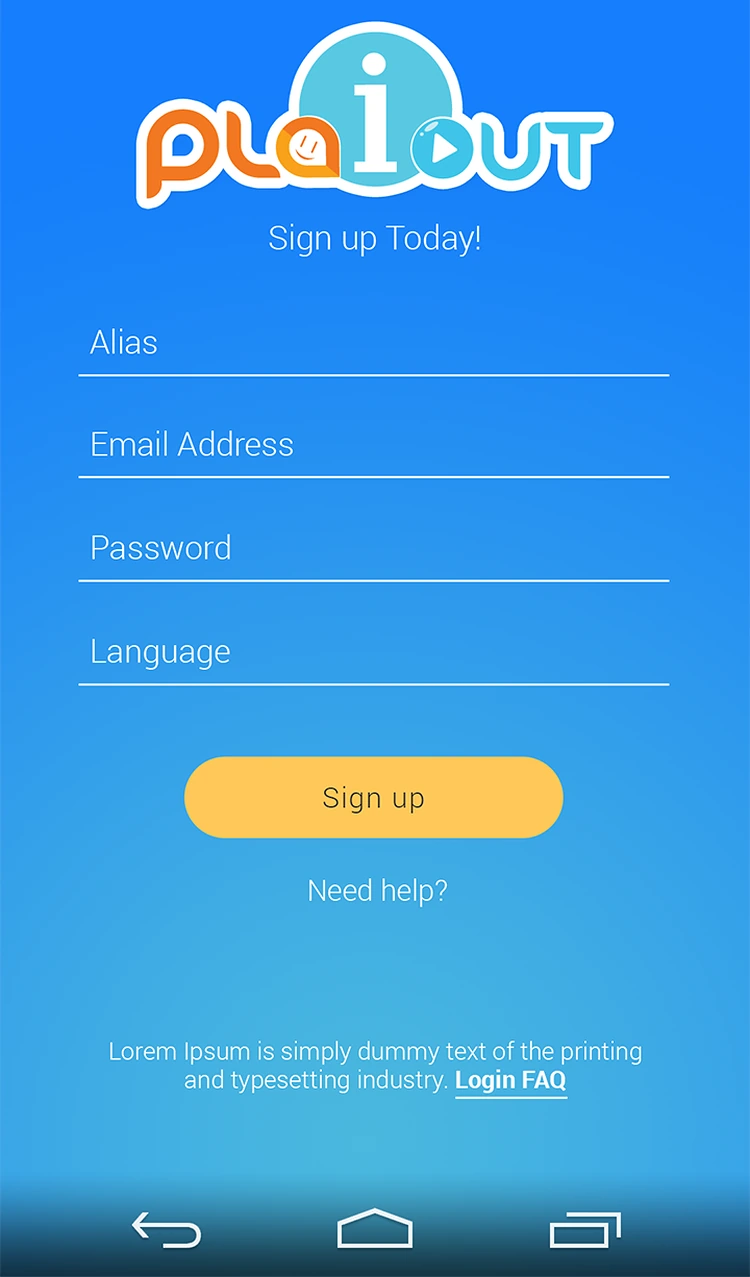
- 02Sign upAlias, email, password and language.
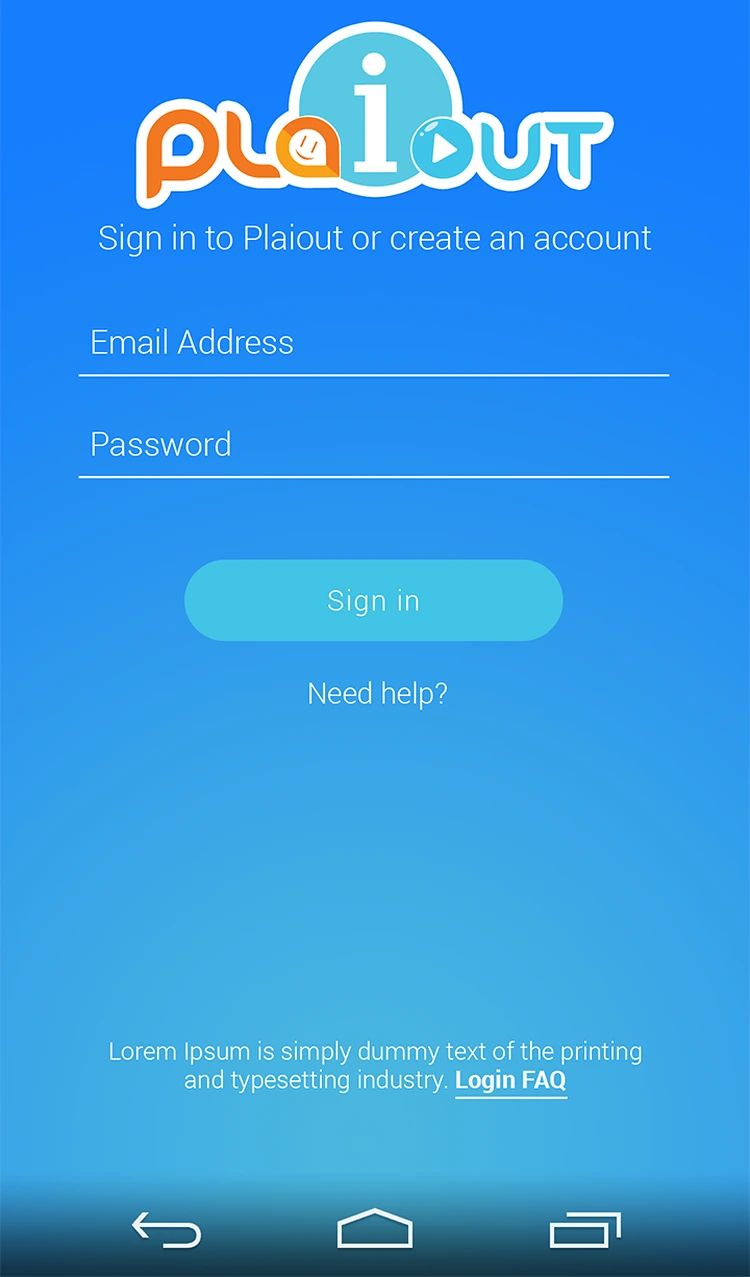
- 03Sign inSign in or create an account.
- 04
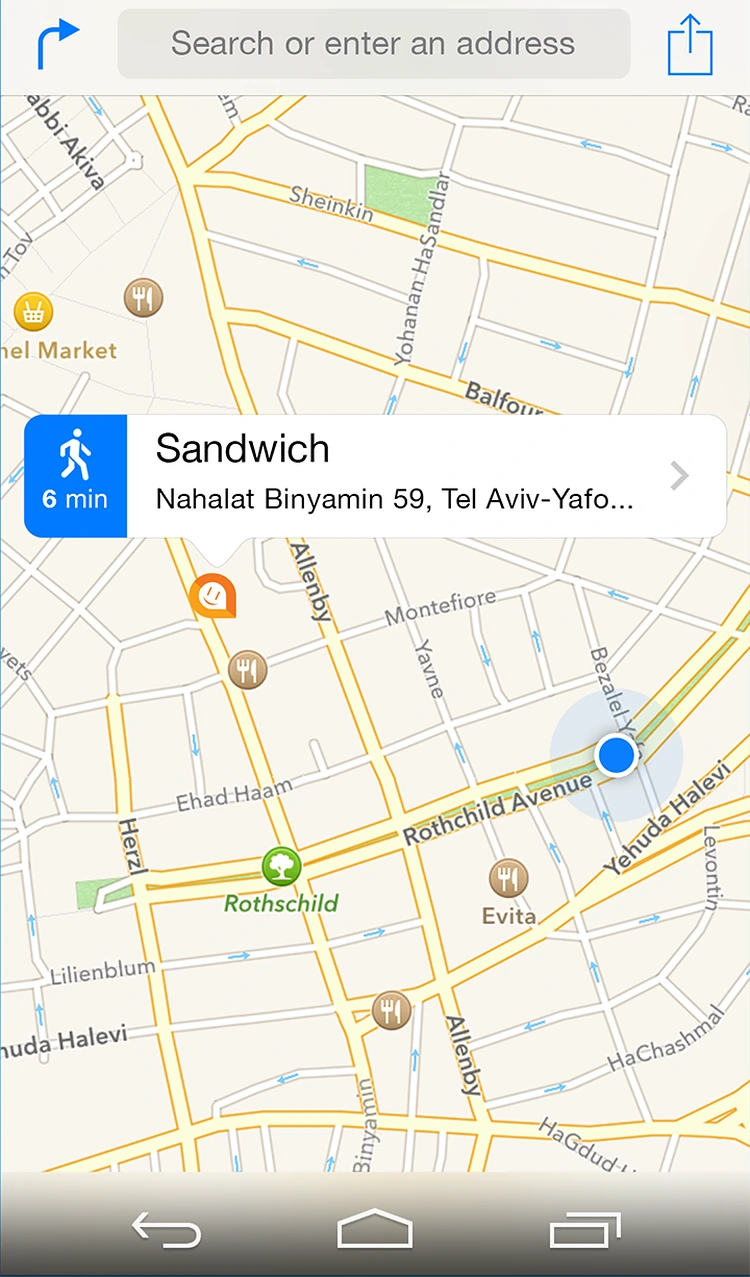 Google MapsWalking directions to the place behind a code.
 - 05
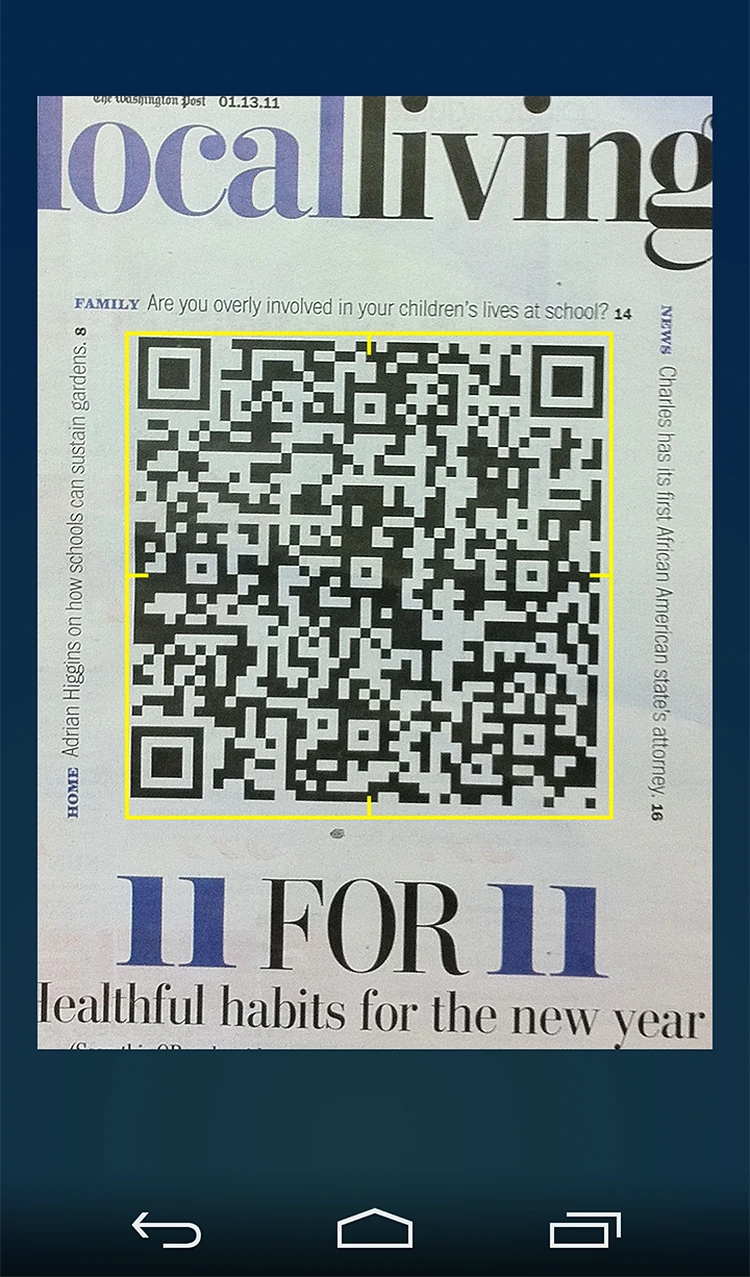 ScanScan a QR code straight from a newspaper.
 - 06
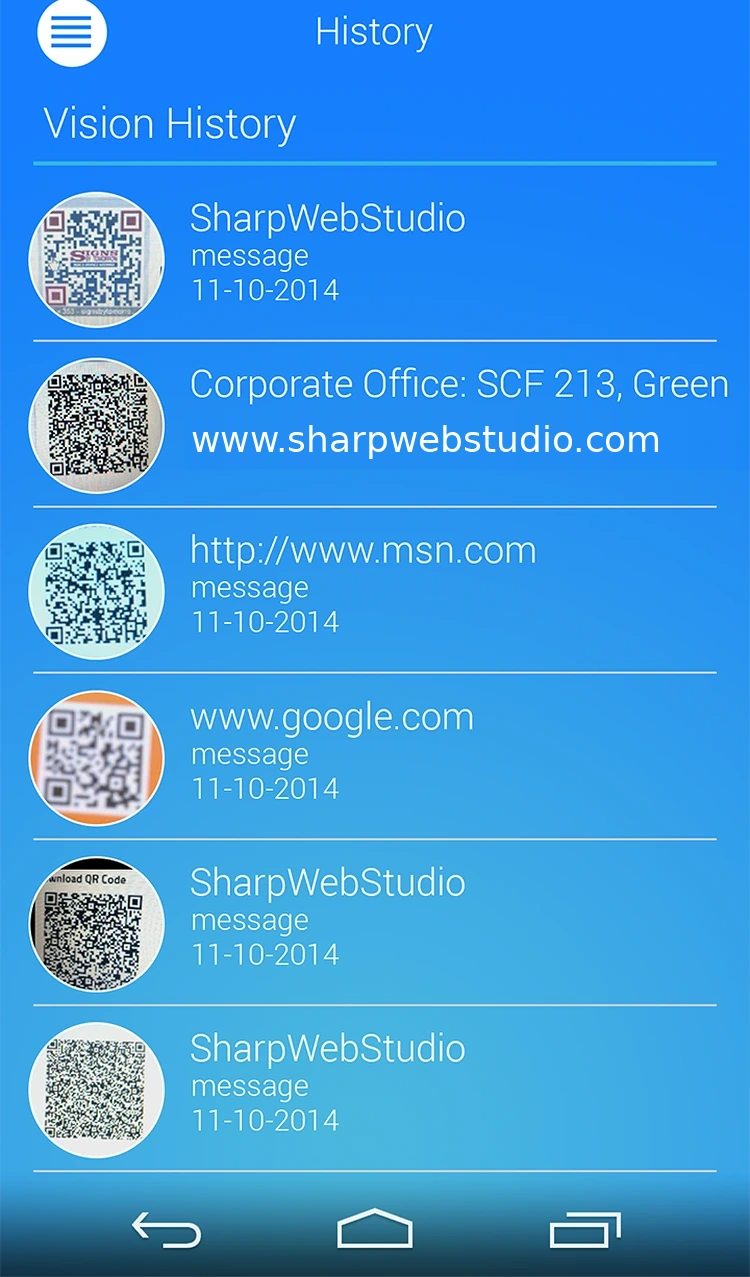 HistoryEvery scan saved with its link and date.
Every screen, all the way round.
Drag to spin the carousel, or let it turn on its own.
Designed around what users need most
Simple sign-up
Alias, email, password and language.
Sign up. Alias, email, password and language.
Four-tile home
QR reader, Google Maps, history and challenges.
Sign in. Sign in or create an account.
Scan anything
Point the camera at a QR code in print or on screen.
Scan. Scan a QR code straight from a newspaper.
Scan history
Every scanned link and message, with dates.
History. Every scan saved with its link and date.
All 6 screens
Hover a screen to lift it out of the layout.
Colour palette
The main colours across the Plaiout screens, measured from the designs themselves, with how much of the interface each one covers.
- #44B2E146% of screens
- #167EFD27% of screens
- #F9F6EE15% of screens
- #0D2F488% of screens
- #A6CAD14% of screens
Have an app idea like Plaiout?
Tell us what you want to build. We'll reply with a free consultation, a design approach and a clear quote.