
GotoGasApps
Over 7,000 gas appliance manuals at your fingertips, for engineers on the job.

The challenge
Gas engineers need the right appliance manual on site, fast, but manuals were scattered across manufacturers' websites and paper binders.
What we designed
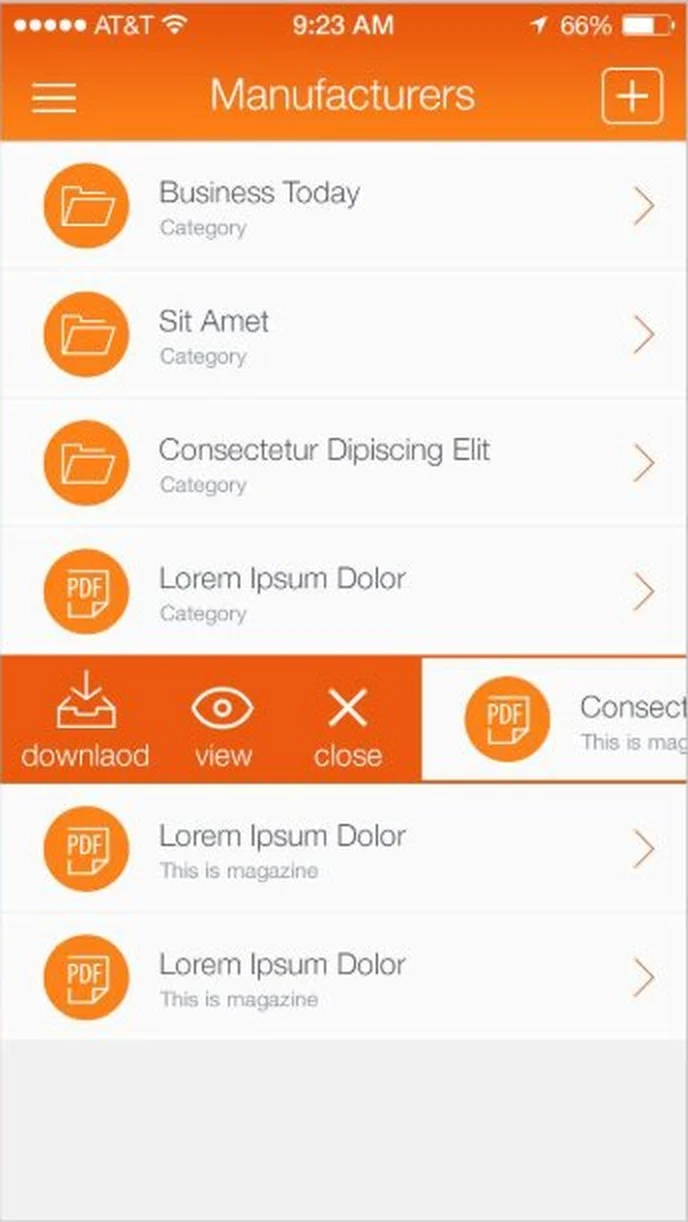
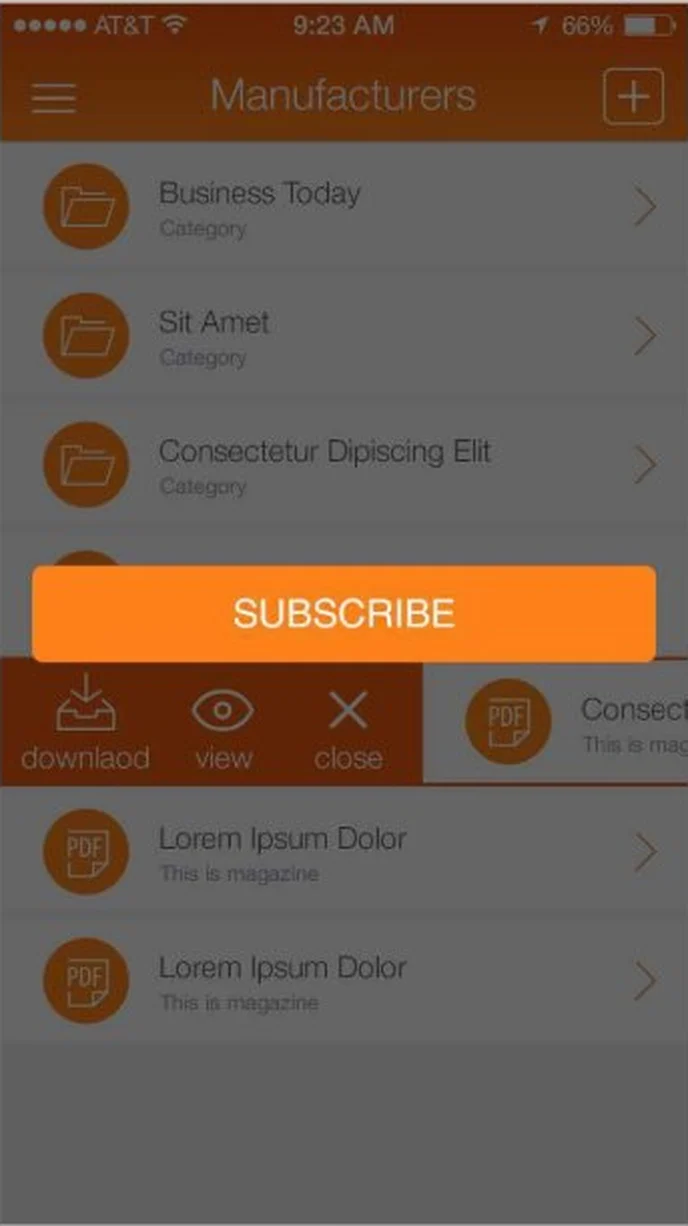
We organised more than 7,000 manuals by manufacturer, made download, view and save a single swipe, added a subscribe prompt for non-members, and gave the whole app a bold orange flame theme that reads well in a van or a boiler cupboard.
- Splash screen and app branding
- Manufacturer and manual lists
- Subscription prompt
- Saved manuals and PDF reader
- Help and about screens
- 10 iOS screens
How someone moves through GotoGasApps
- 01SplashThe GotoGasApps flame logo: over 7,000 manuals at your fingertips.
- 02SubscribeNon-members see a subscribe prompt before they can download.
- 03
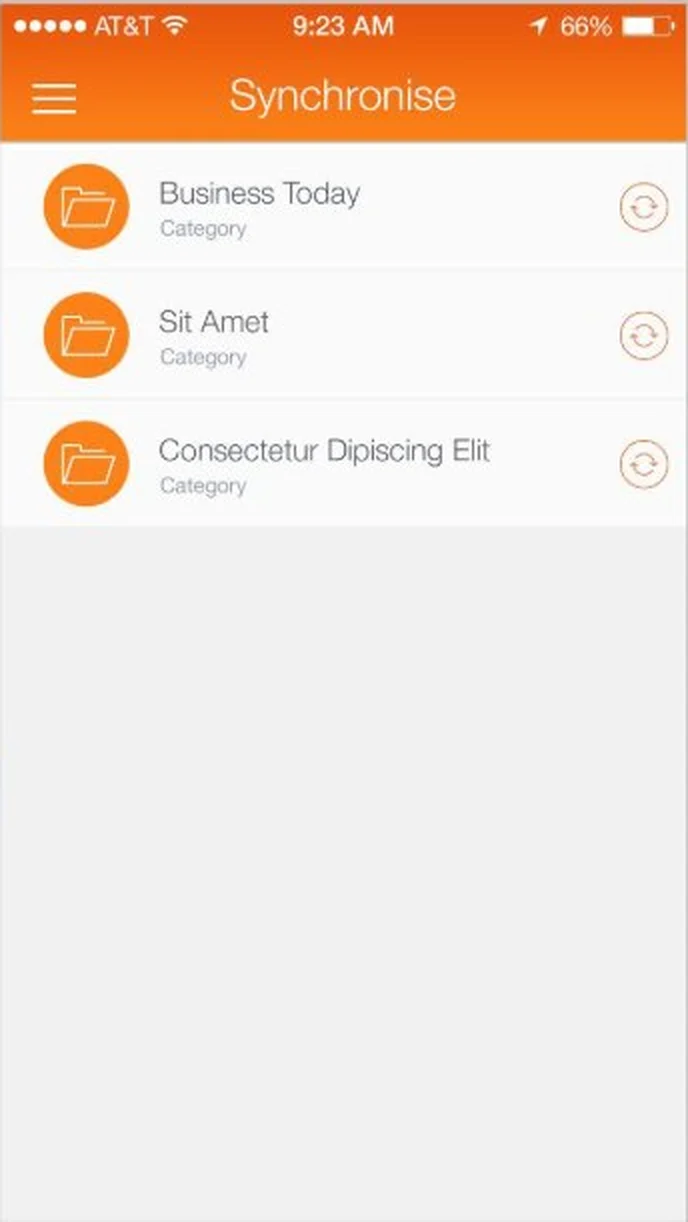 SynchroniseRefresh each manufacturer's manuals with one tap.
 - 04
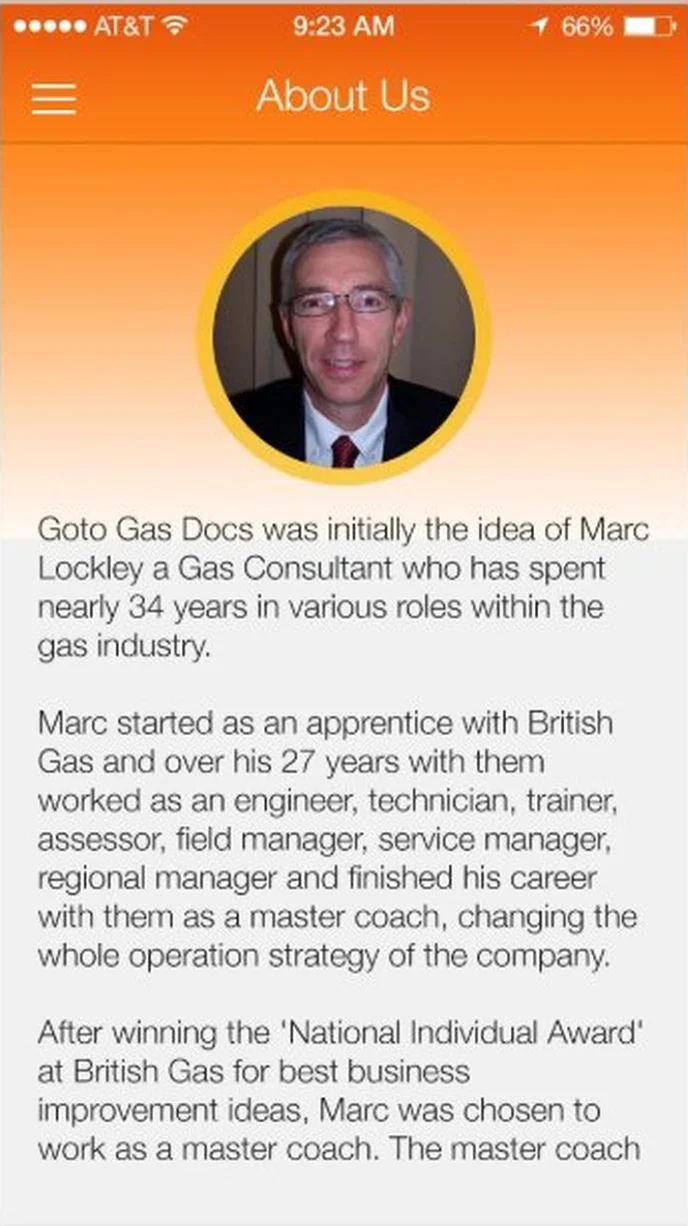 About usThe story of the gas consultant who started the app.
 - 05
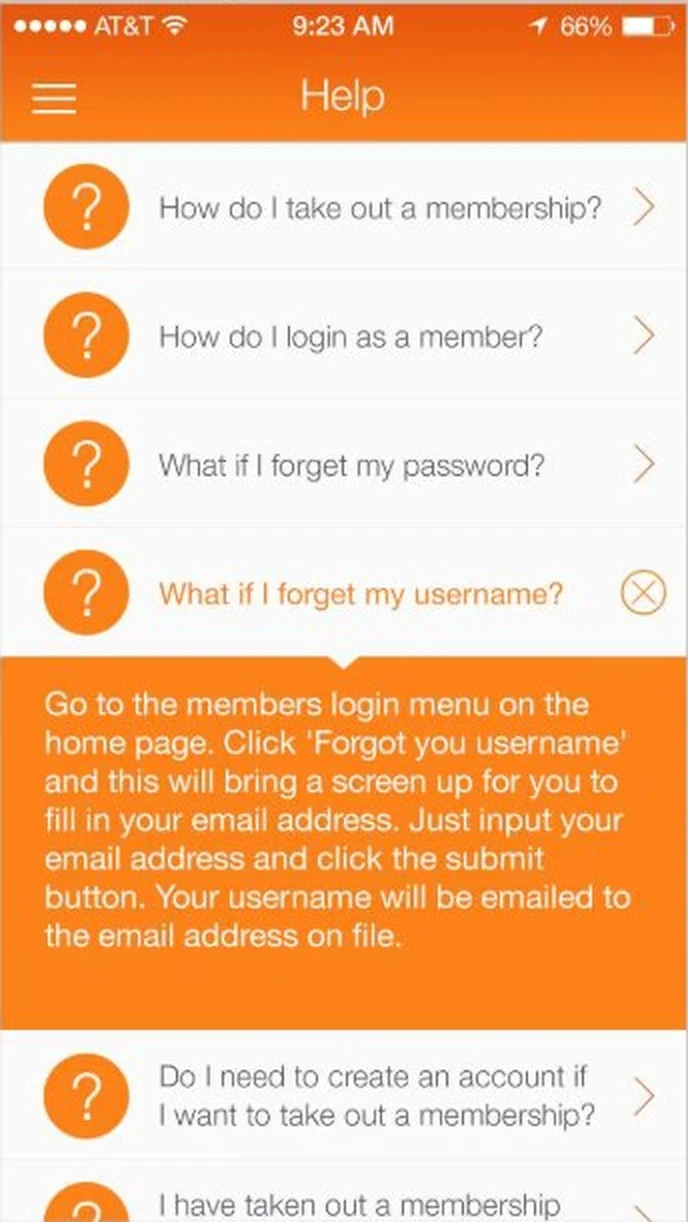 Help answerTap a question to open the answer in place.
 - 06
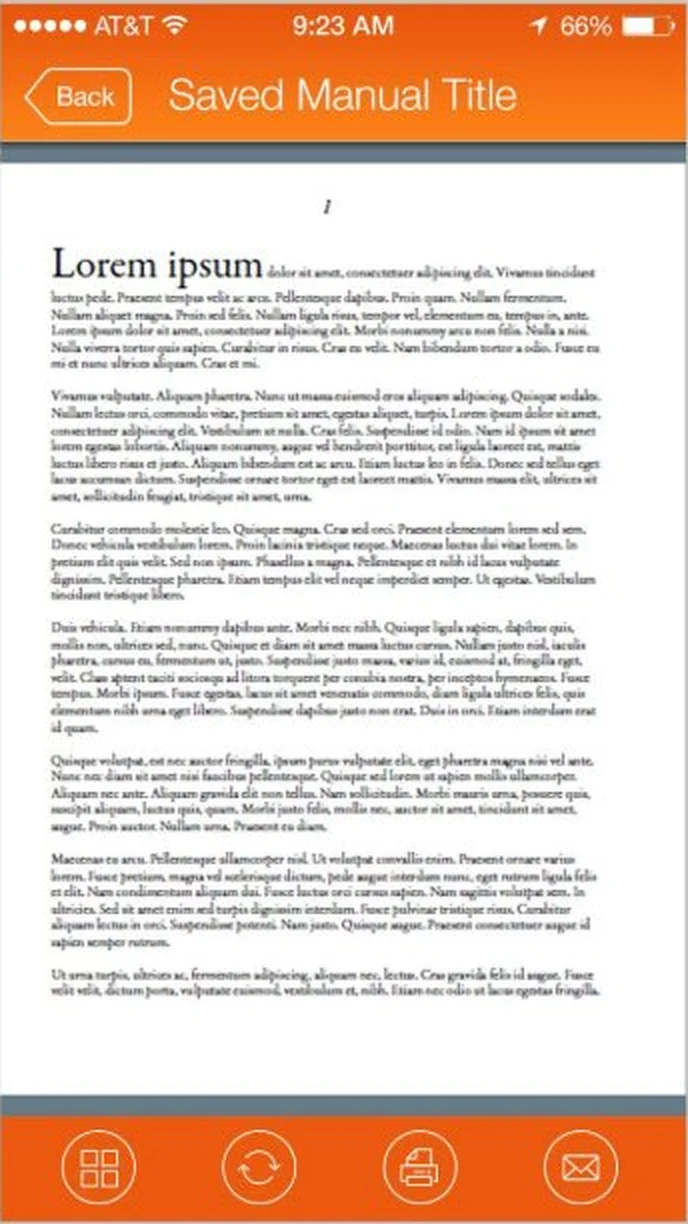 PDF viewRead the manual, with buttons to browse, sync, print and email it.
Every screen, all the way round.
Drag to spin the carousel, or let it turn on its own.
Designed around what users need most
Browse by manufacturer
Every manufacturer and its manuals in one clear list.
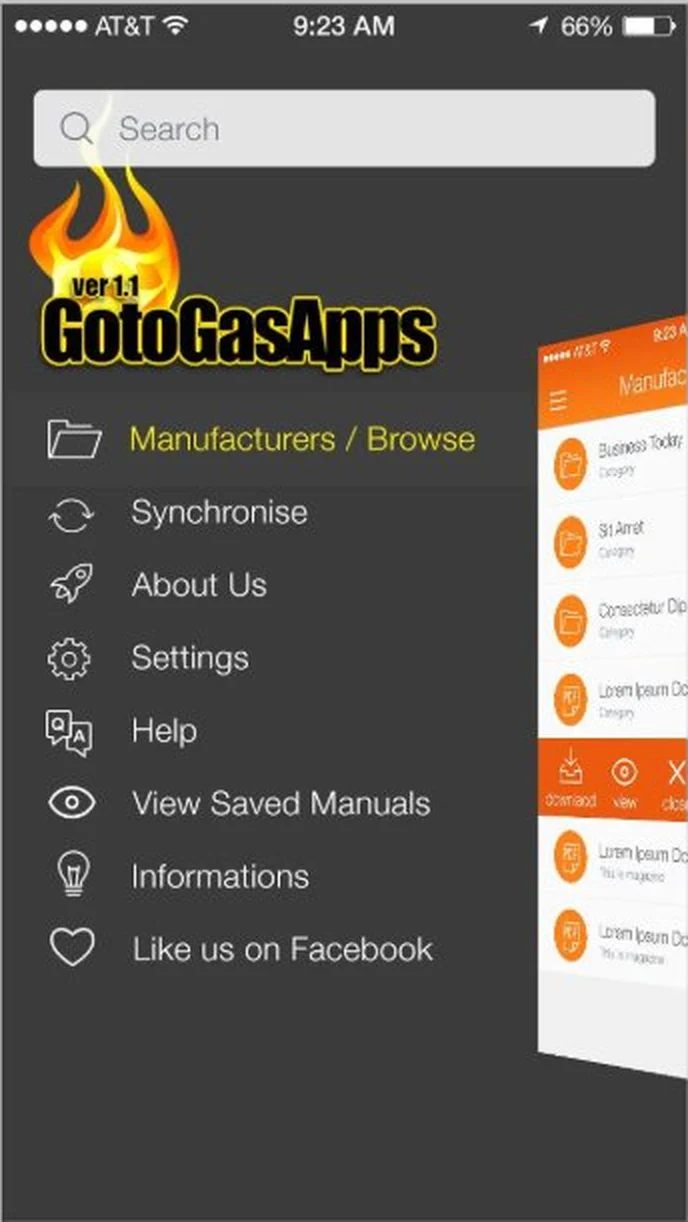
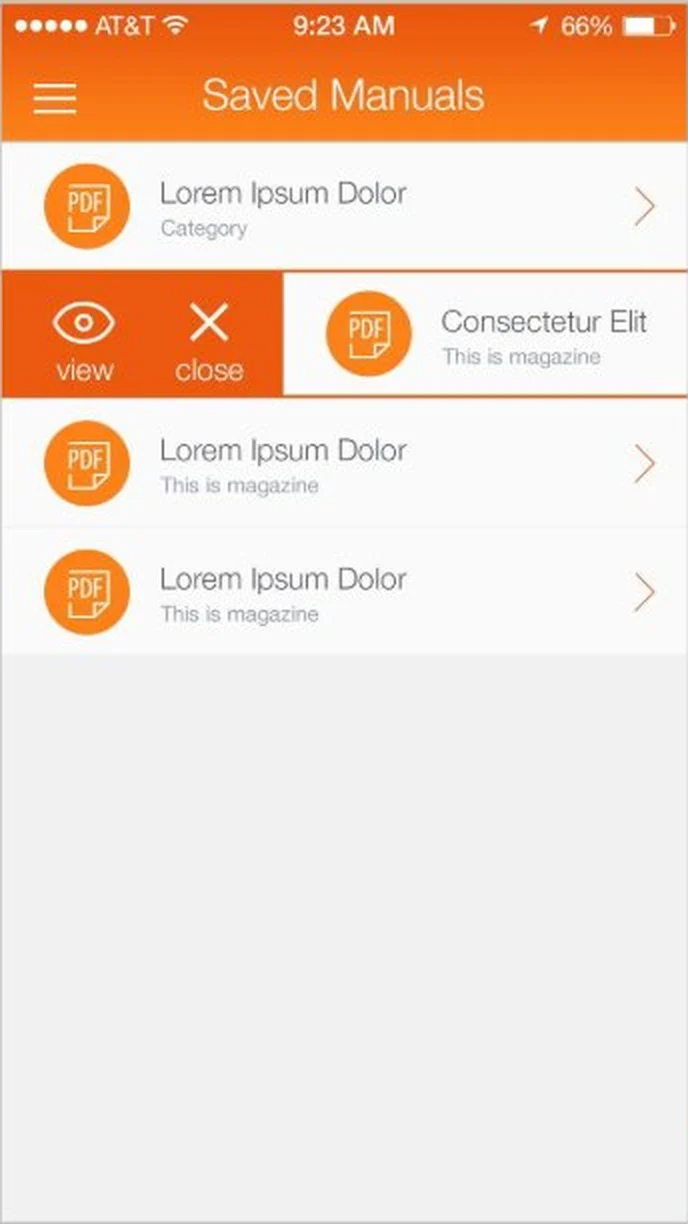
Manufacturers. Browse by manufacturer, and swipe a manual to download, view or close it.
Download, view and save
Swipe a manual to download, view or close, and keep favourites in Saved Manuals.
Synchronise. Refresh each manufacturer's manuals with one tap.
Membership
Free browsing, with a subscribe prompt to unlock downloads.
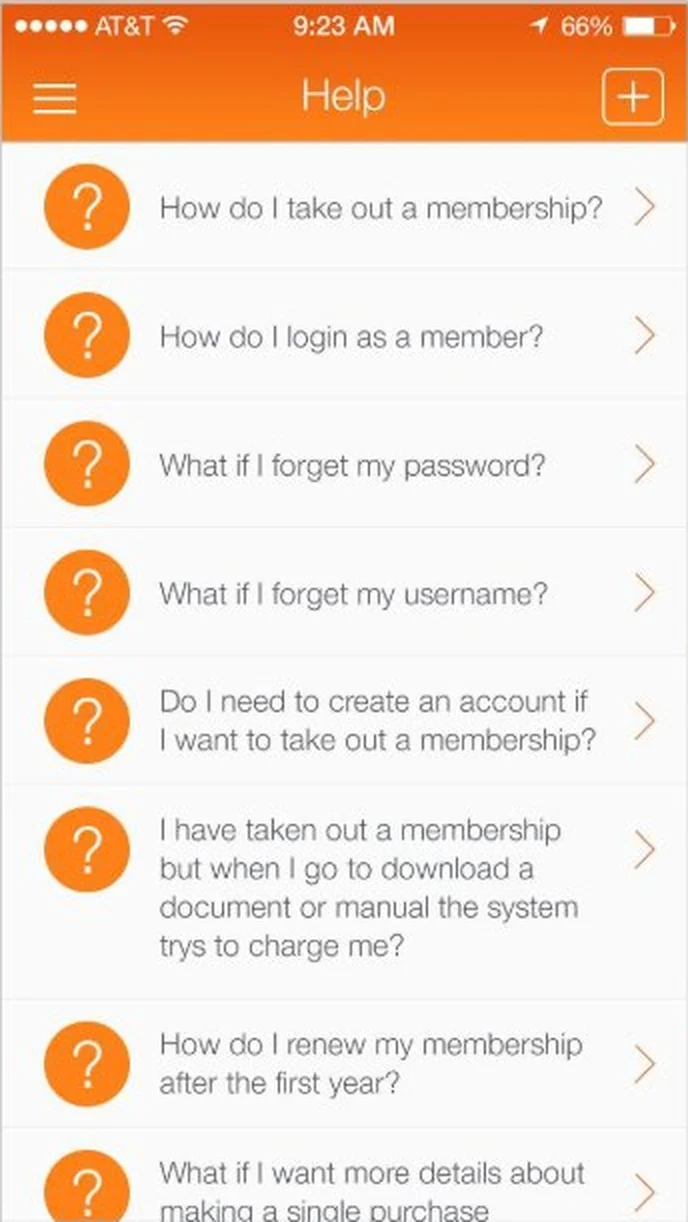
Help. Common questions about membership, logins and downloads.
Synchronise and help
Keep saved manuals up to date, with answers to common questions built in.
PDF view. Read the manual, with buttons to browse, sync, print and email it.
All 10 screens
Hover a screen to lift it out of the layout.
Colour palette
The main colours across the GotoGasApps screens, measured from the designs themselves, with how much of the interface each one covers.
- #F1F1F163% of screens
- #F7731417% of screens
- #3B3B3B11% of screens
- #6765659% of screens
Have an app idea like GotoGasApps?
Tell us what you want to build. We'll reply with a free consultation, a design approach and a clear quote.