
 Case study · iOS app · Events and tickets
What's JumpIn
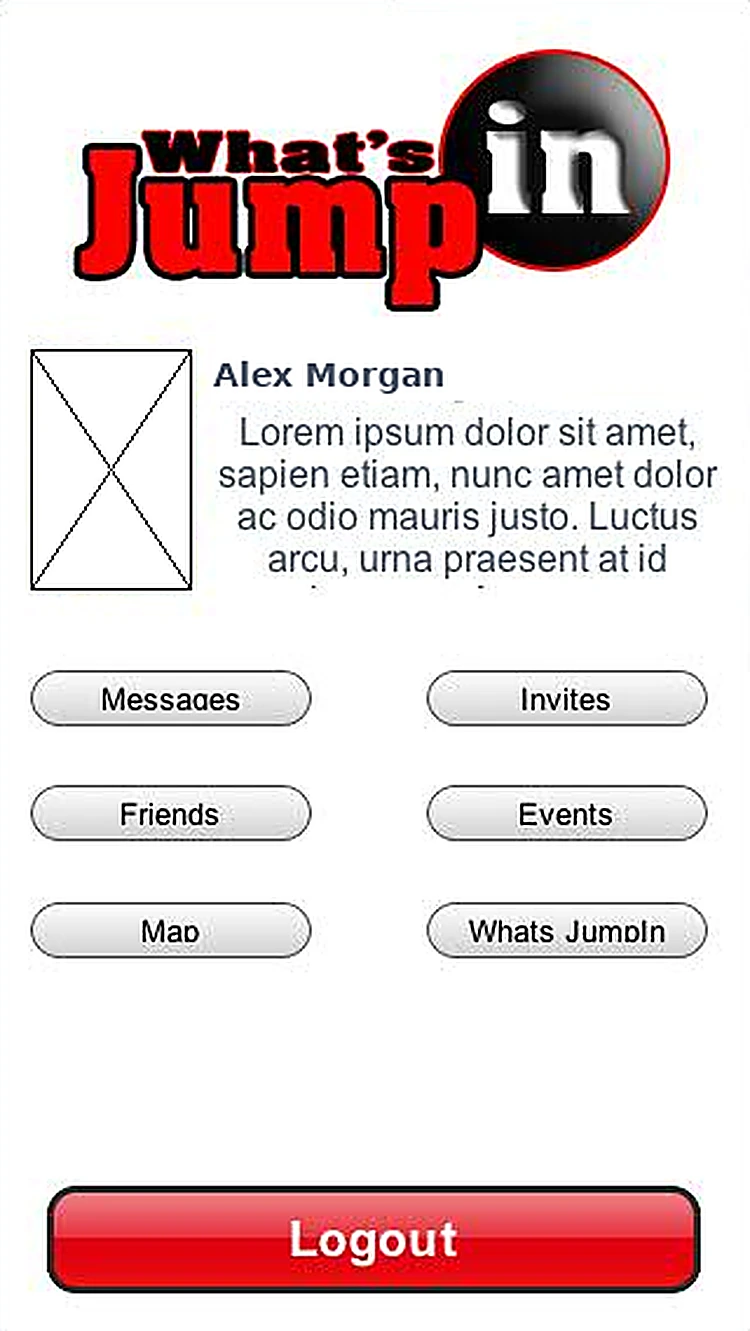
Create events, sell tickets and VIP passes, and see where your friends are jumping in tonight.
The challenge
Small venues and event promoters needed one simple app to publish events, sell tickets and passes, and stay in touch with guests, without a separate ticketing website.
What we designed
We split the app into two clear sides, guests and venues, behind one Facebook login, and kept every venue task to a single screen: create, set up tickets, track sales and message guests.
- Logo
- 14 iOS screens
- Guest and venue flows
- Ticket and VIP pass setup
- Messaging and payouts
How someone moves through What's JumpIn
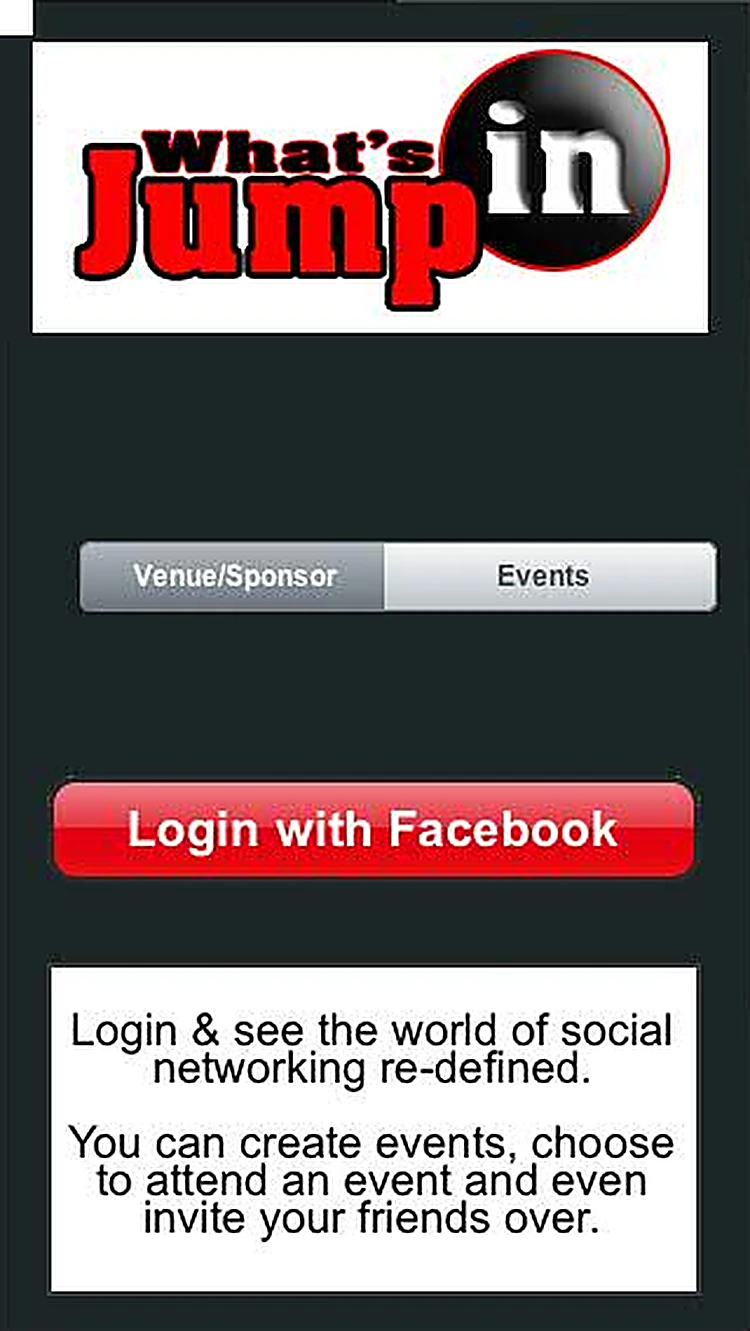
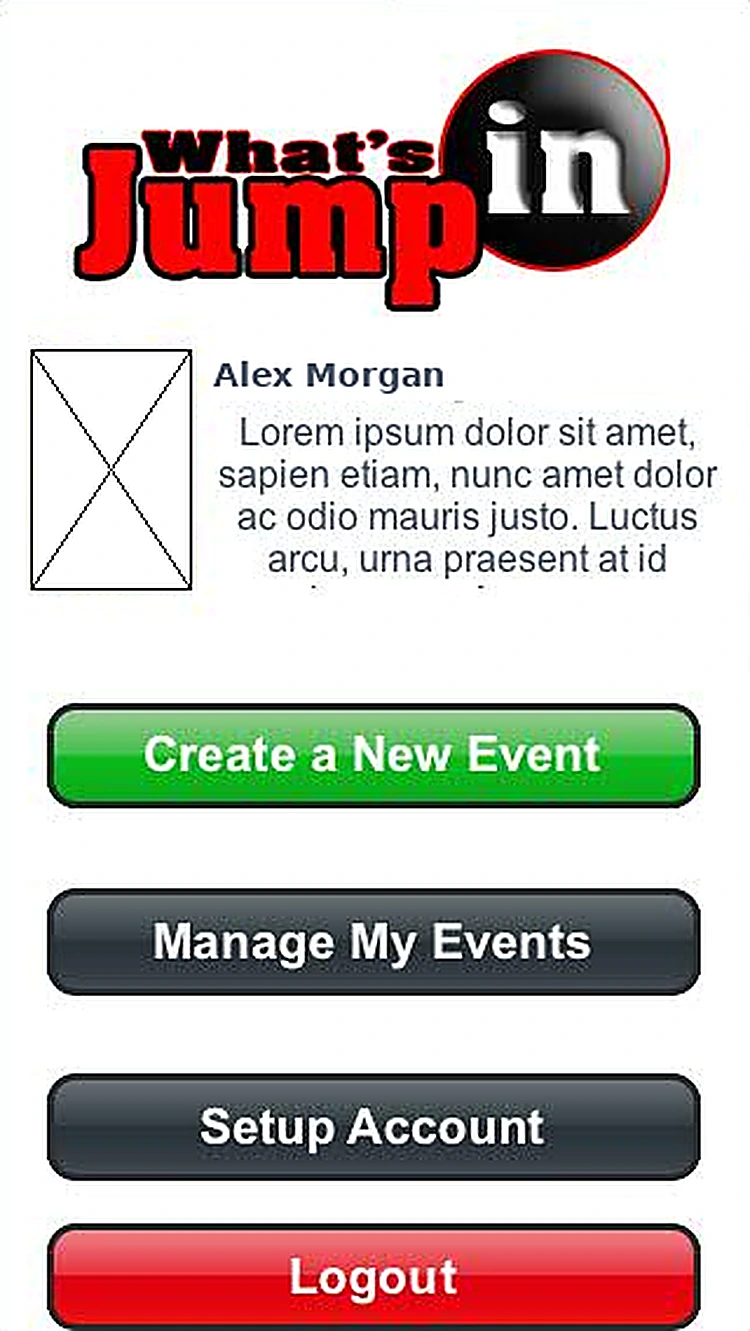
- 01LoginChoose Venue/Sponsor or Events, then log in with Facebook.
- 02
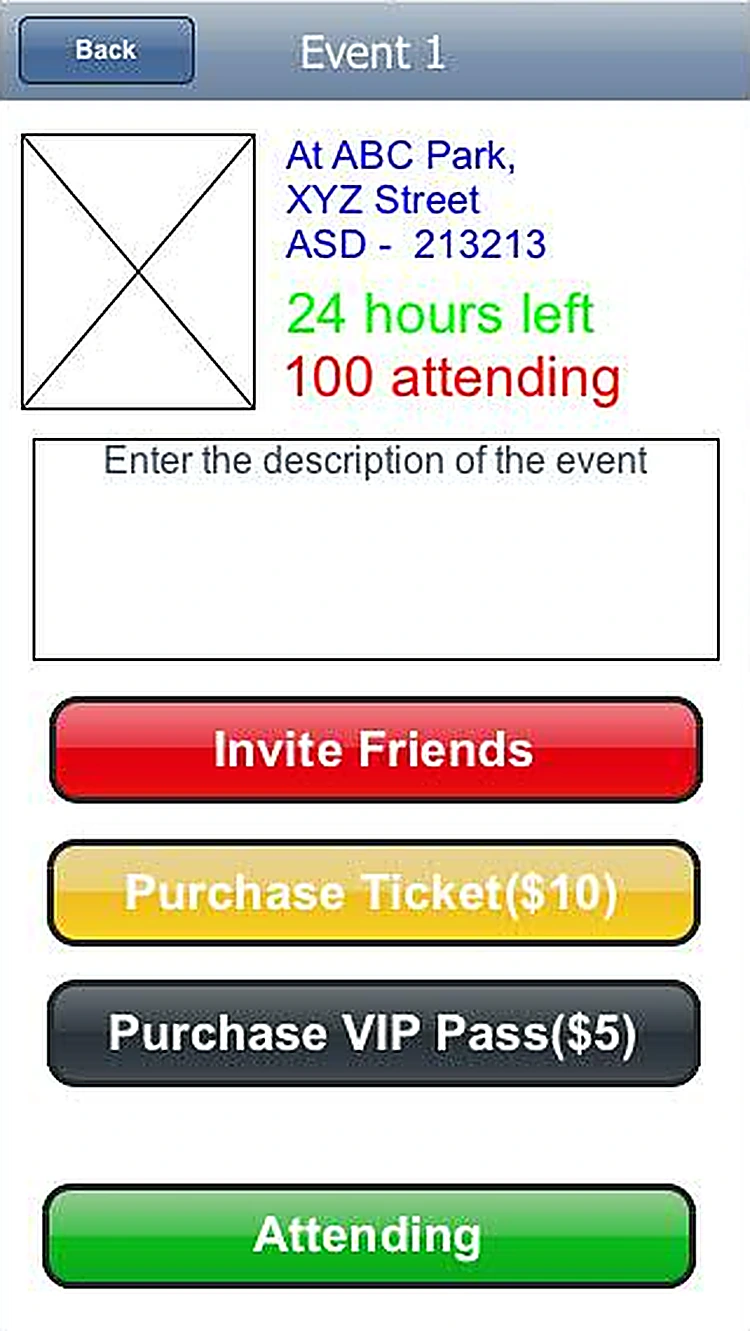 Event detailsTime left, who's attending, tickets, VIP passes and invites.
 - 03
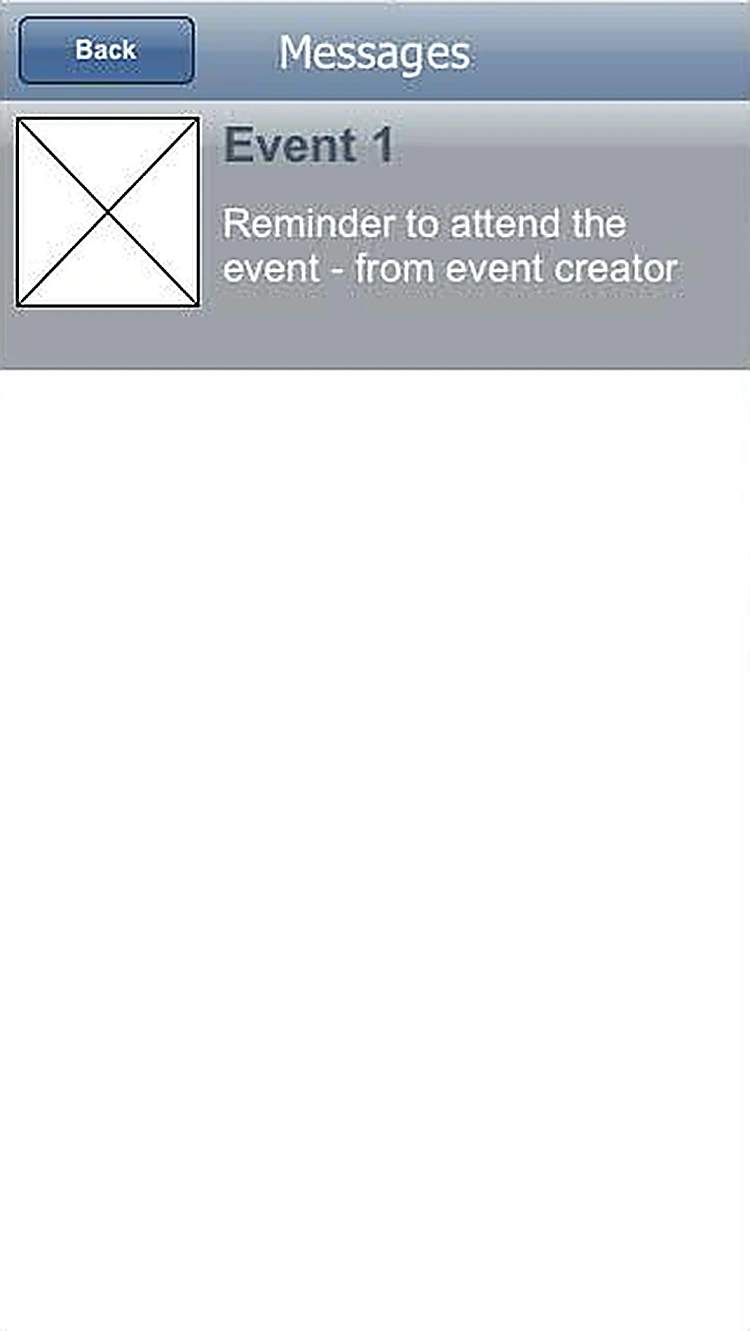 MessagesReminders and updates from event creators.
 - 04
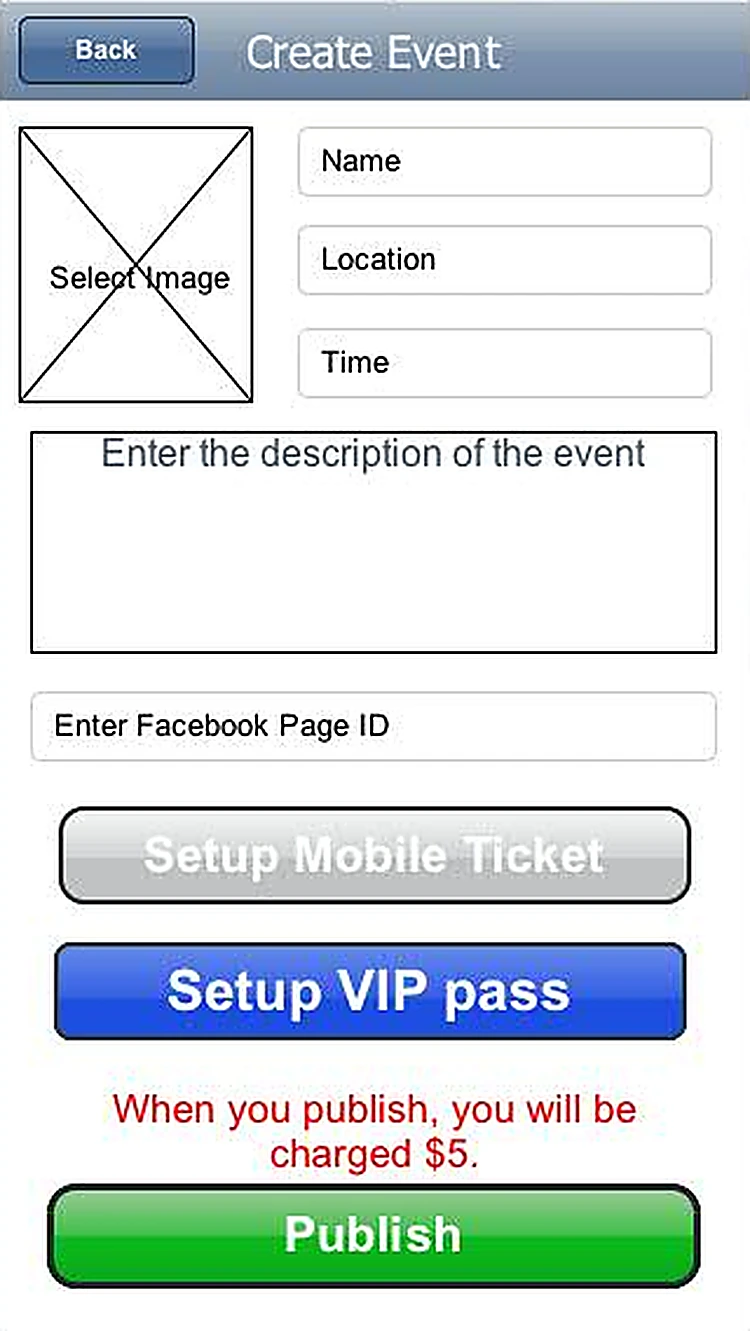
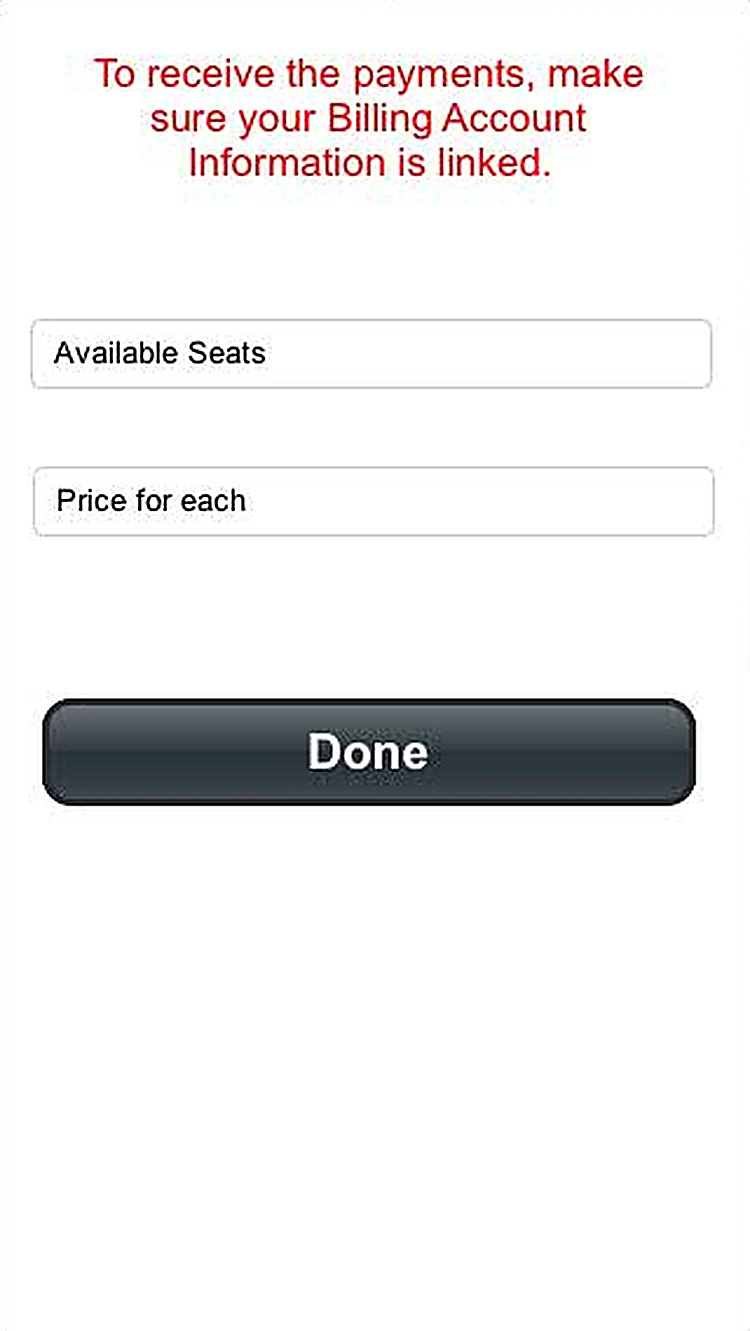 Ticket setupAvailable seats and price for each ticket.
 - 05
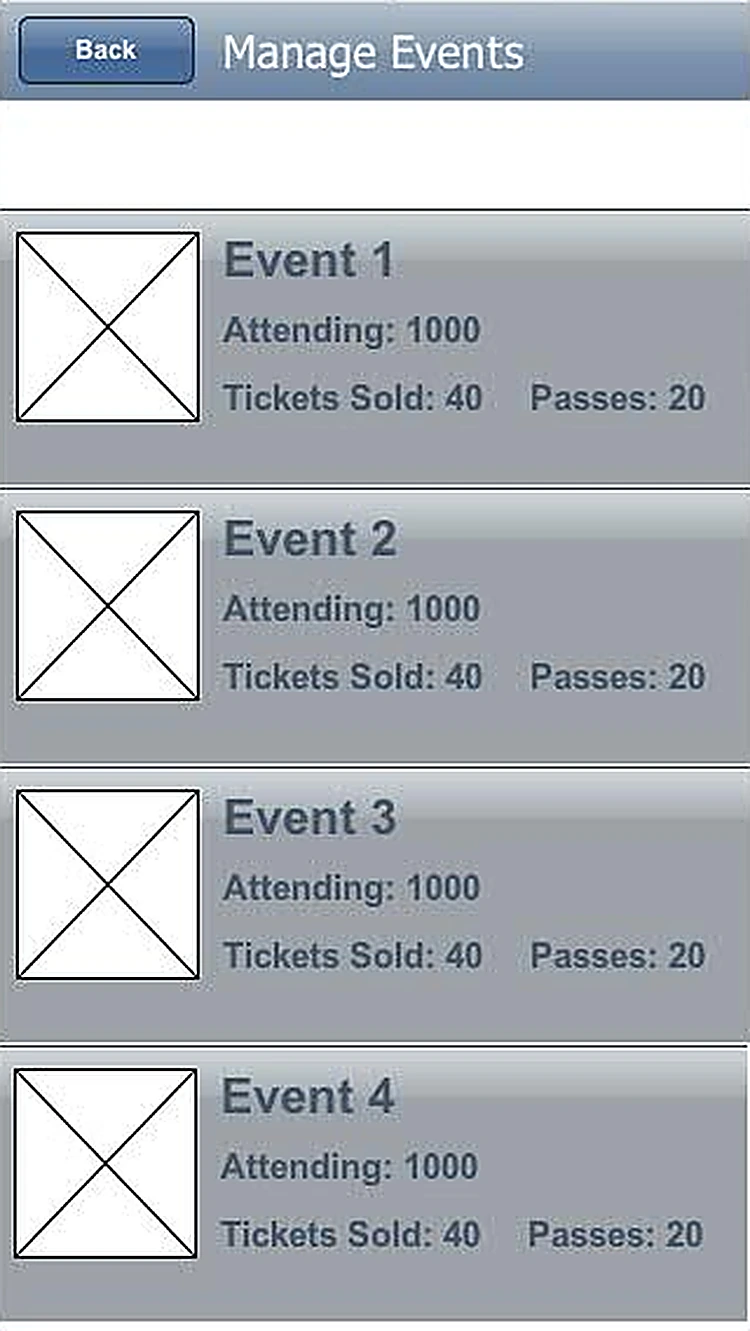
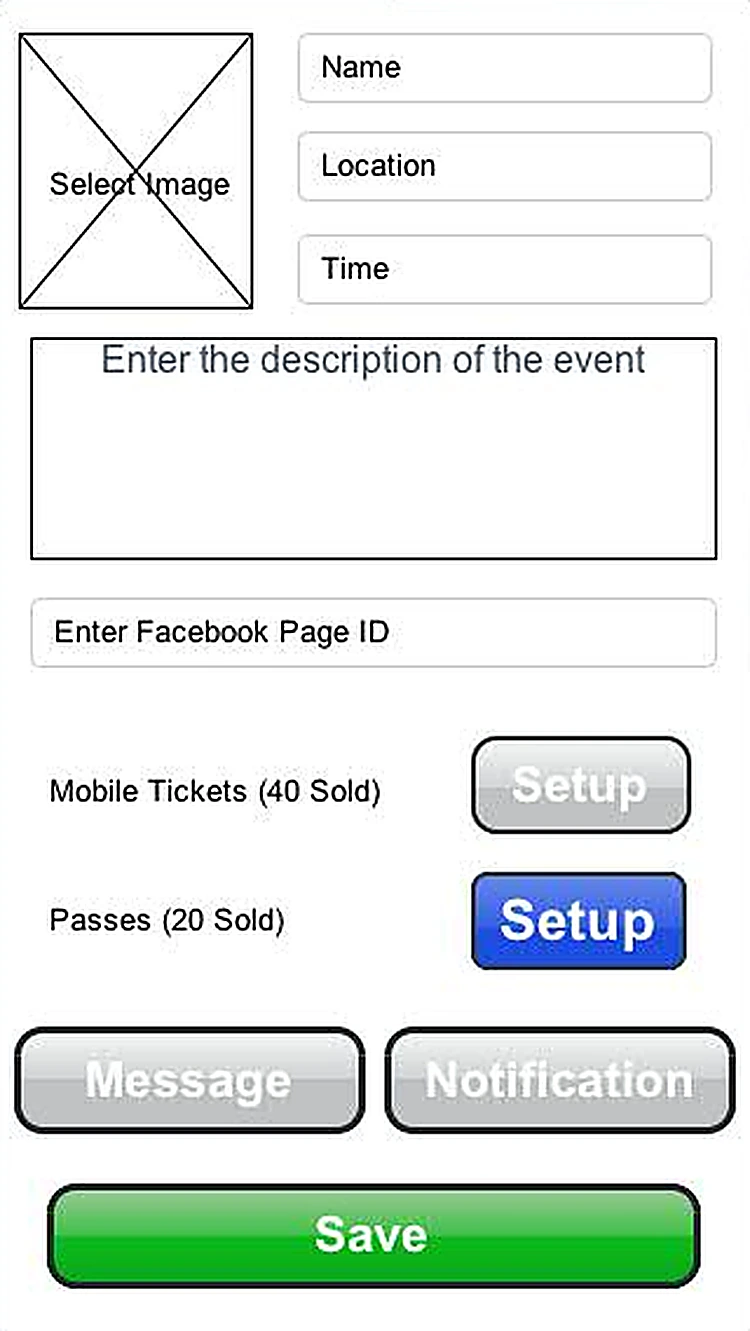 Edit eventTicket and pass sales, with message and notification tools.
 - 06
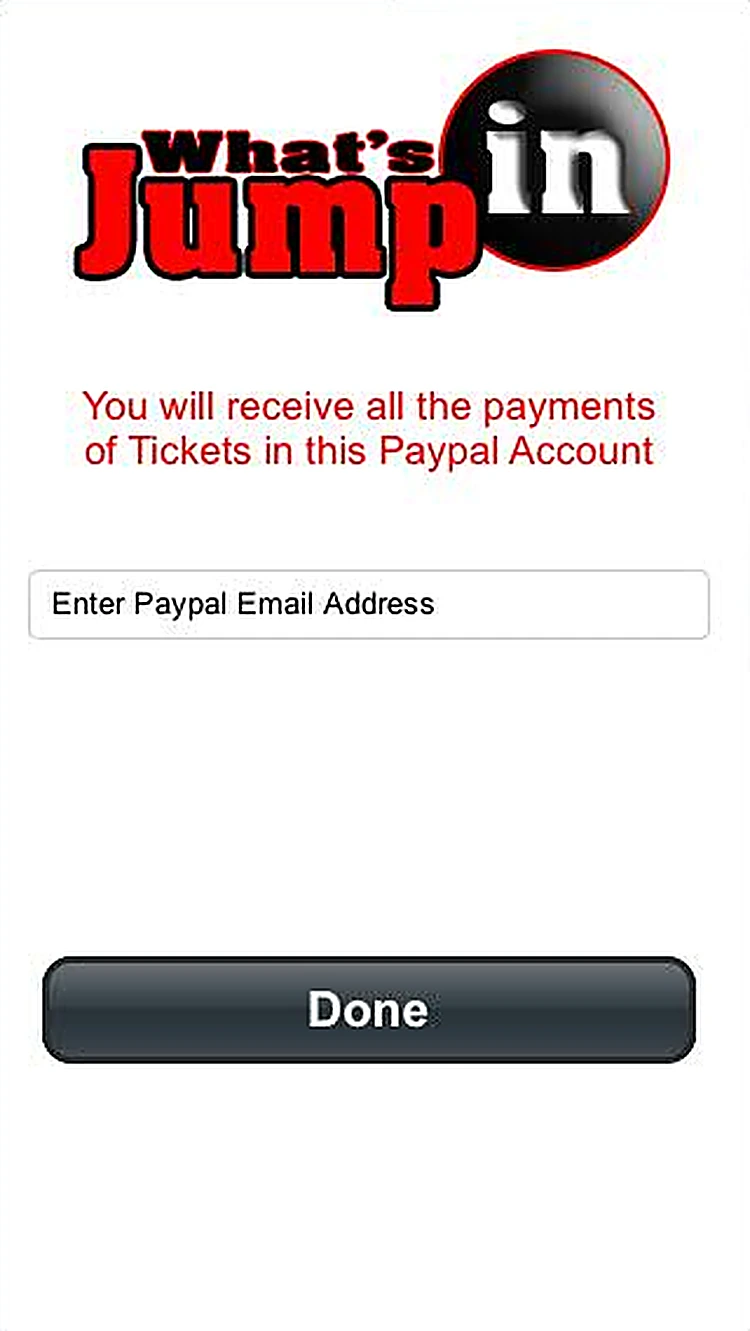 Payout accountTicket payments go to the venue's PayPal account.
Every screen, all the way round.
Drag to spin the carousel, or let it turn on its own.
Designed around what users need most
Facebook login
Guests and venues sign in with Facebook in one tap.
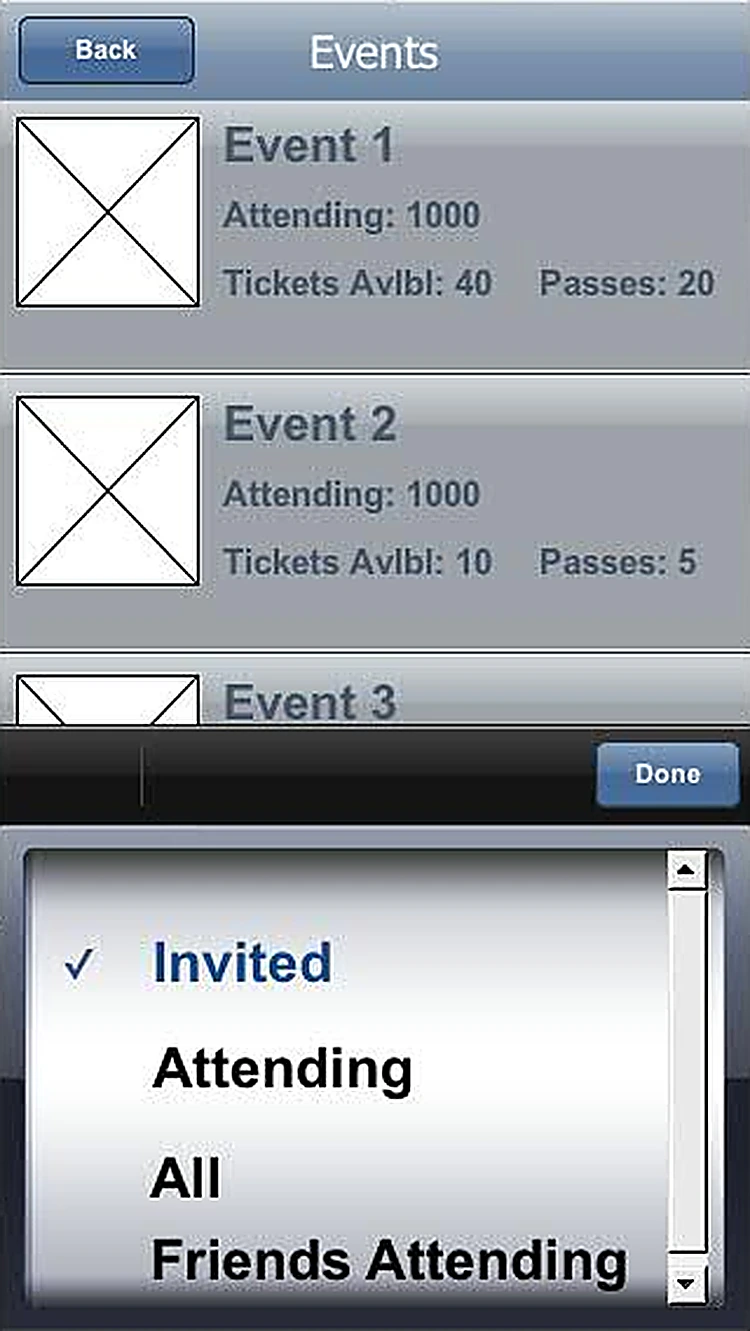
Events. Filter by invited, attending, all or friends attending.
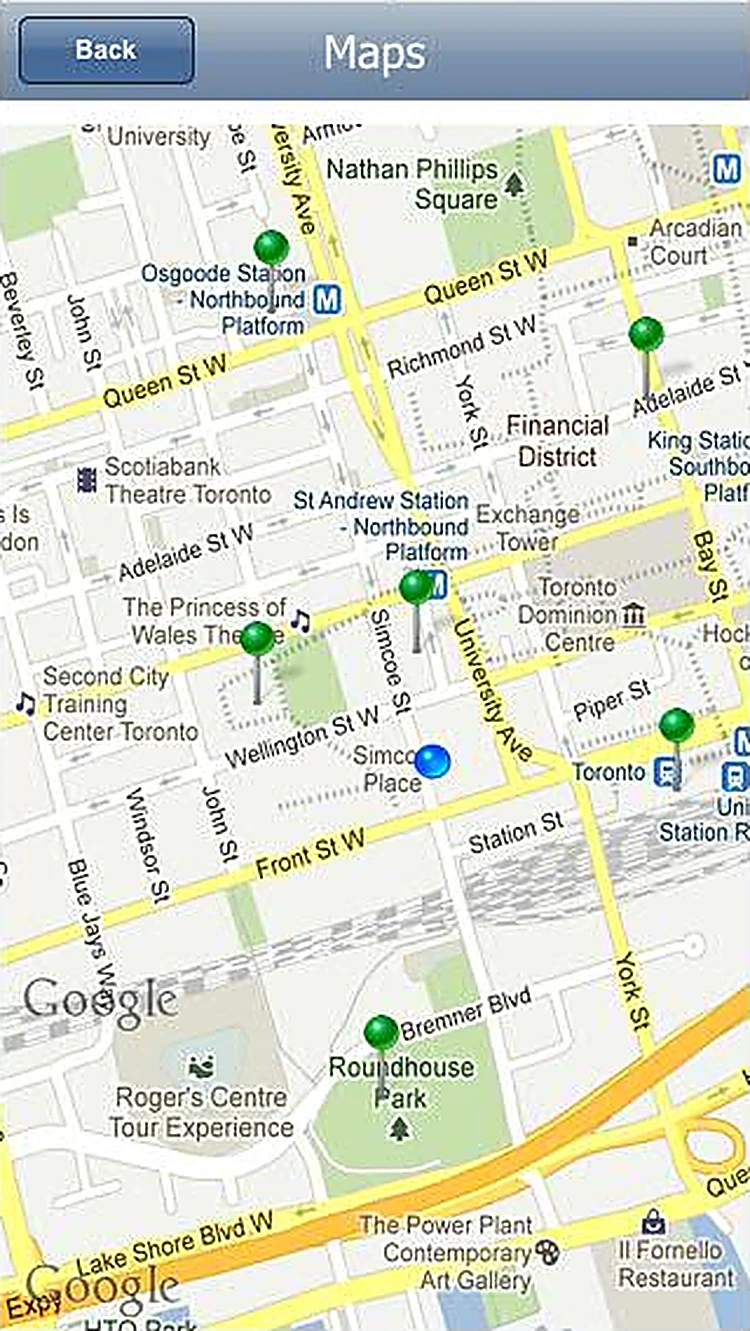
Events and map
Browse events by invited, attending or friends attending, or on a map.
Messages. Reminders and updates from event creators.
Tickets and VIP passes
Venues set seats and prices; guests buy in the app.
Manage events. Attendance, tickets sold and passes for every event.
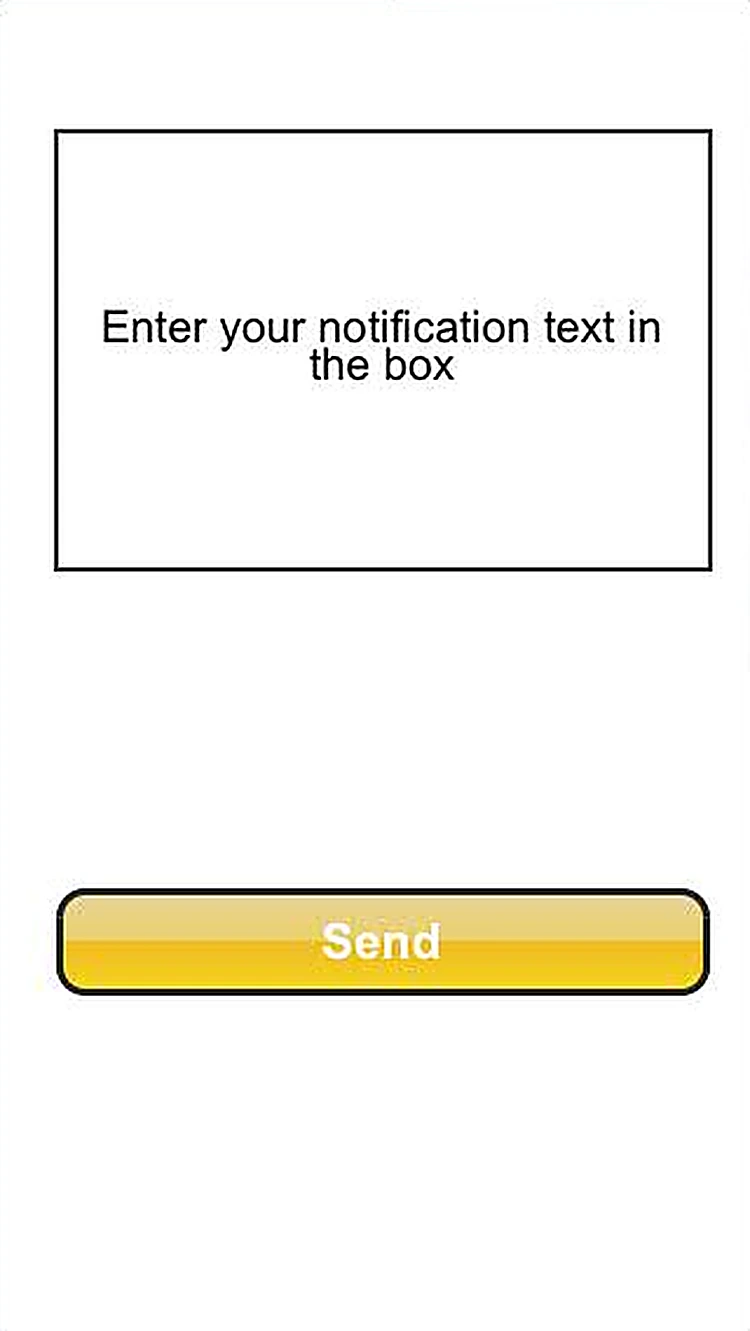
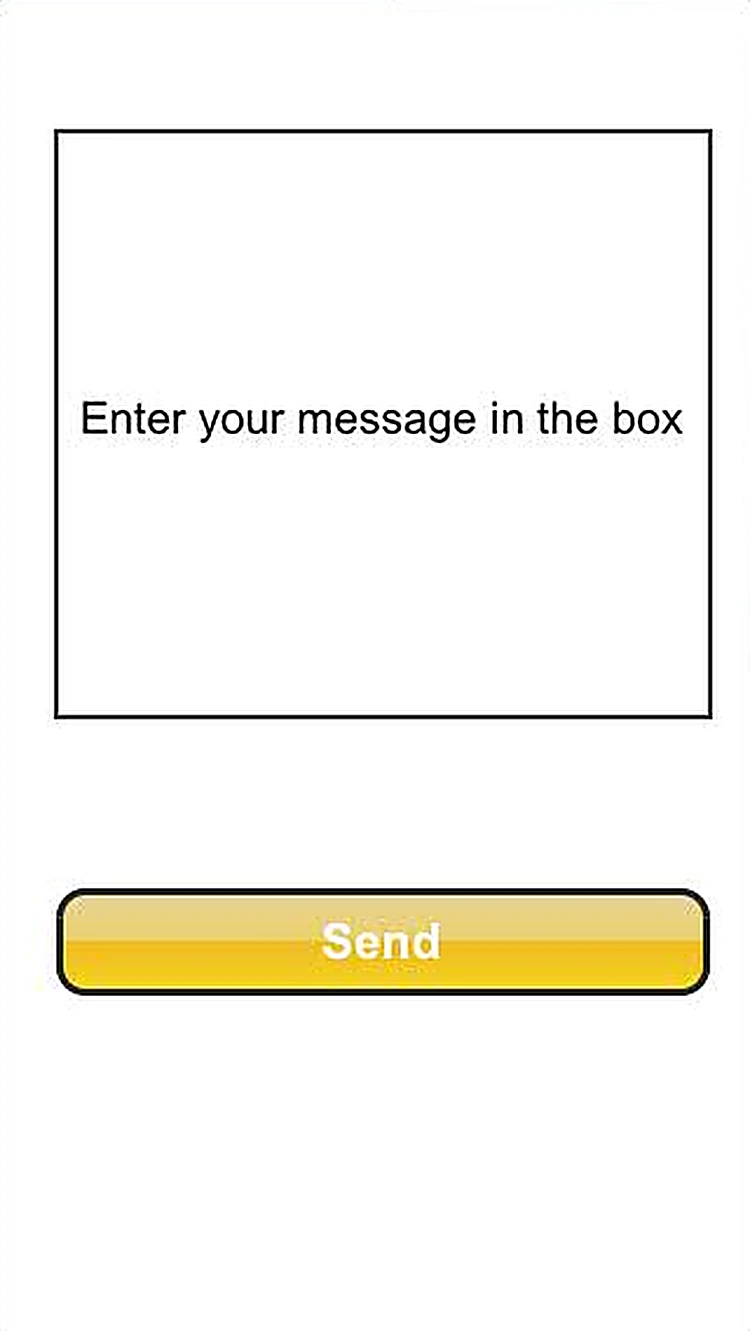
Messages and payouts
Message or notify guests; ticket money goes to PayPal.
Send notification. Push a notification to guests.
All 14 screens
Hover a screen to lift it out of the layout.
Colour palette
The main colours across the What's JumpIn screens, measured from the designs themselves, with how much of the interface each one covers.
- #FFFFFF80% of screens
- #9EA0AB10% of screens
- #1B26277% of screens
- #D8DCD72% of screens
- #62738B1% of screens
- #E01E261% of screens
Have an app idea like What's JumpIn?
Tell us what you want to build. We'll reply with a free consultation, a design approach and a clear quote.