
TreePip
Grow your relationships: see who you keep in touch with, drawn as a living tree.
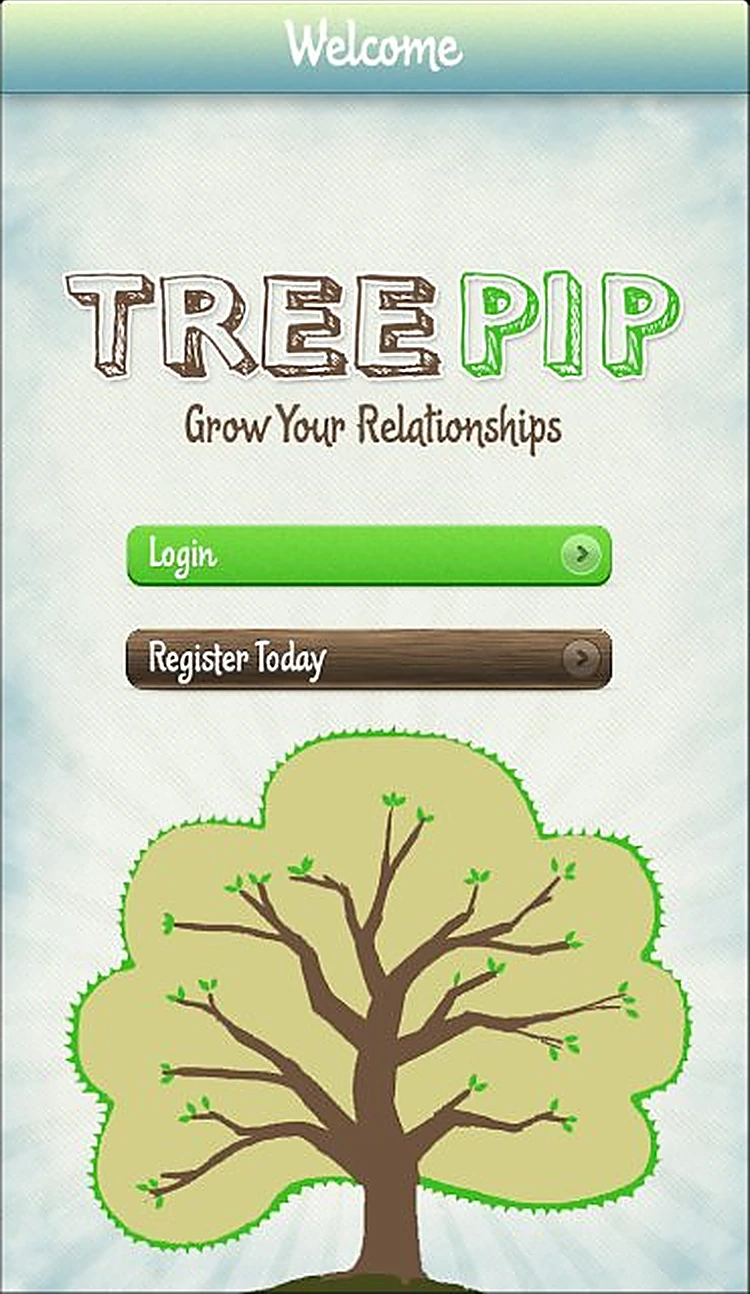
The challenge
People lose touch with friends and contacts without noticing, because nothing shows how often they really talk.
What we designed
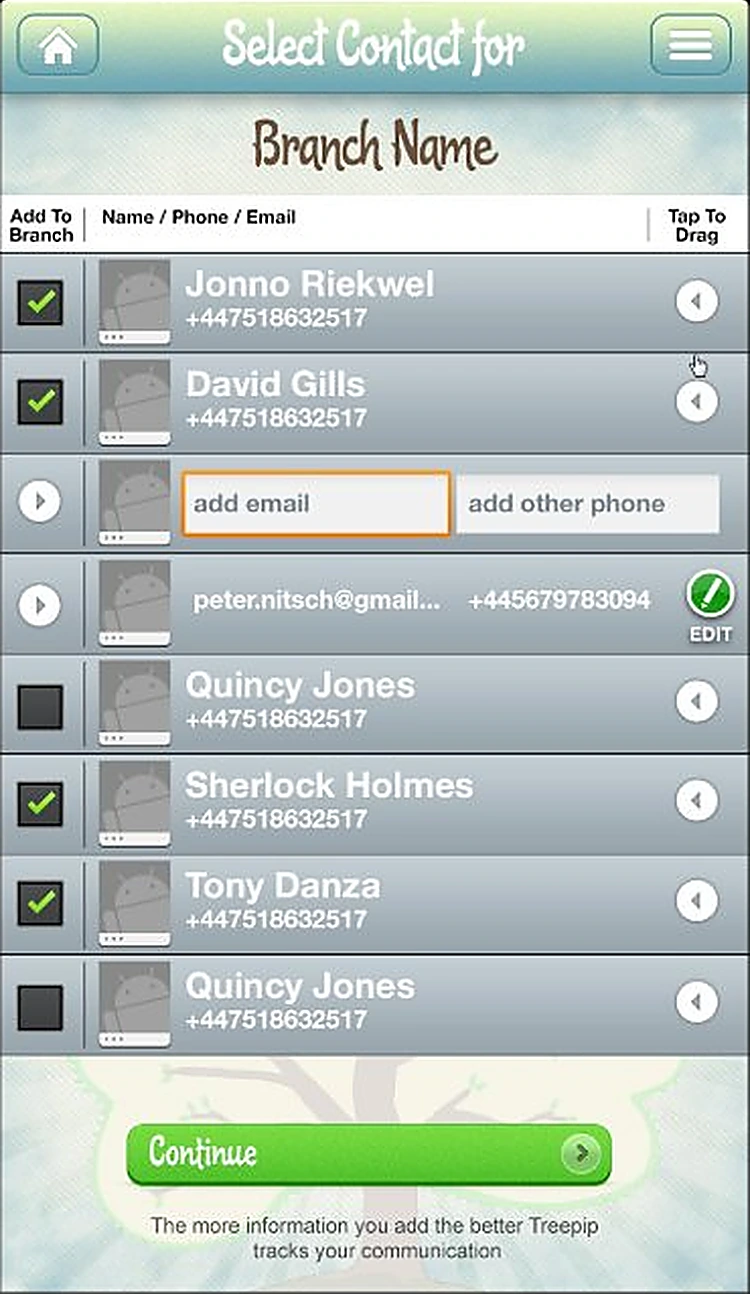
We turned relationships into a hand-drawn tree: contacts sit on branches as leaves, each showing the last SMS, email, call and meeting, with a guided setup to get started.
- Brand and illustration
- 9 Android screens
- Guided setup
- Branch and contact management
- Relationship tree view
See TreePip in motion
A short launch film we made for TreePip: the real screens in motion, a voice-over and an original soundtrack. Ready for the App Store preview, Instagram Reels, TikTok and YouTube Shorts.
- Vertical 9:16, made for social
- Professional voice-over and music
- Built from the final app designs
How someone moves through TreePip
- 01SplashTreePip: Grow Your Relationships.
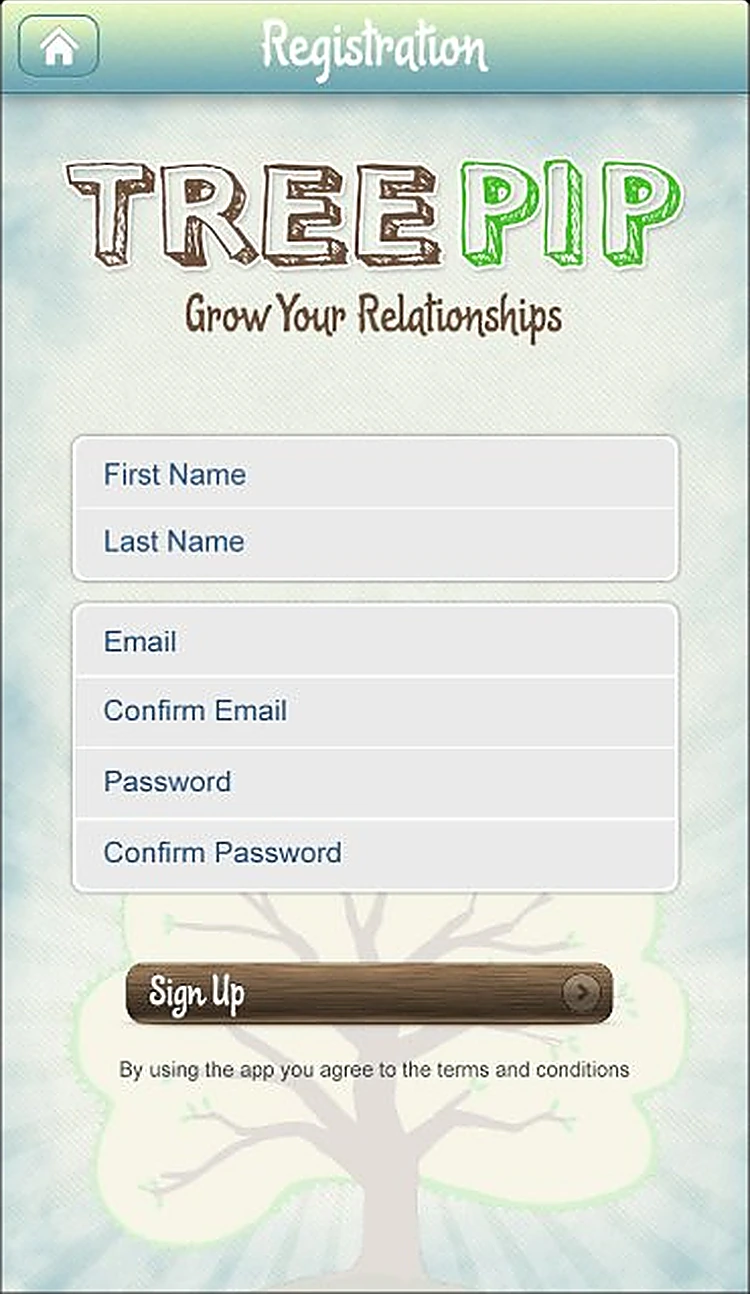
- 02RegistrationName, email and password to get started.
- 03
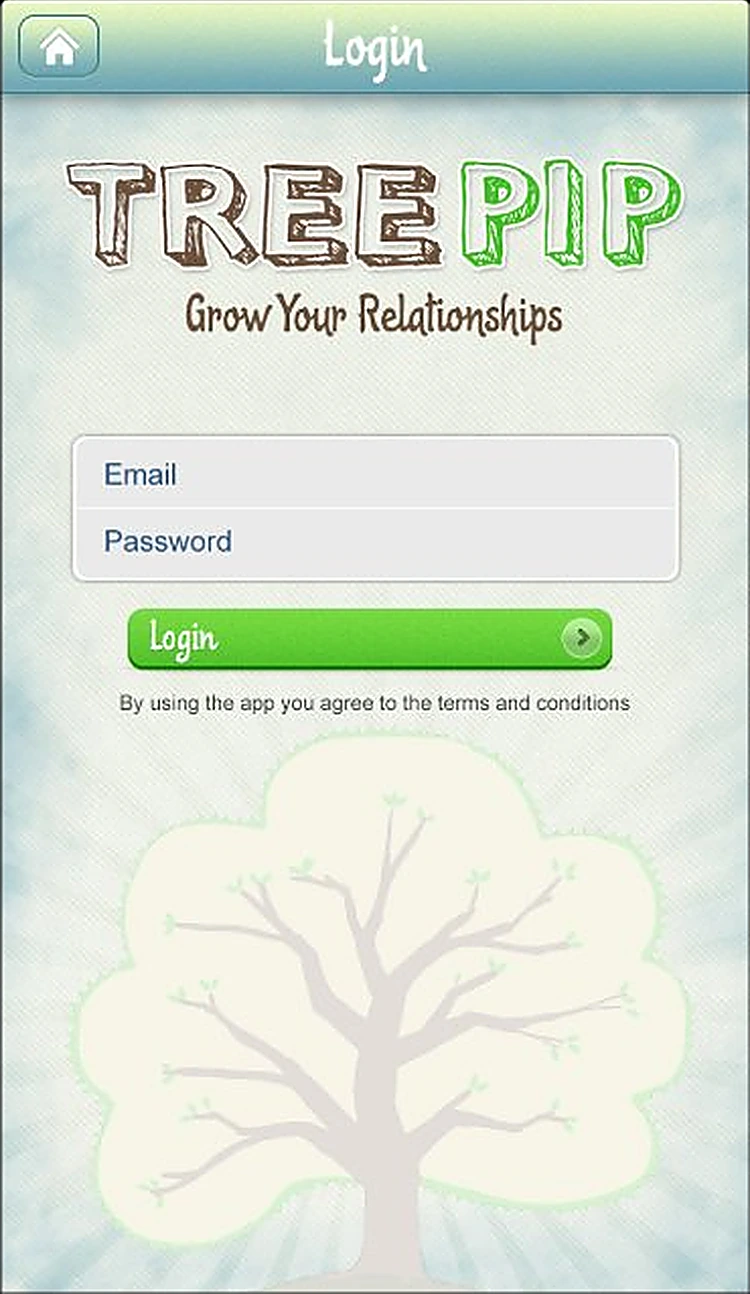 LoginQuick email login.
 - 04
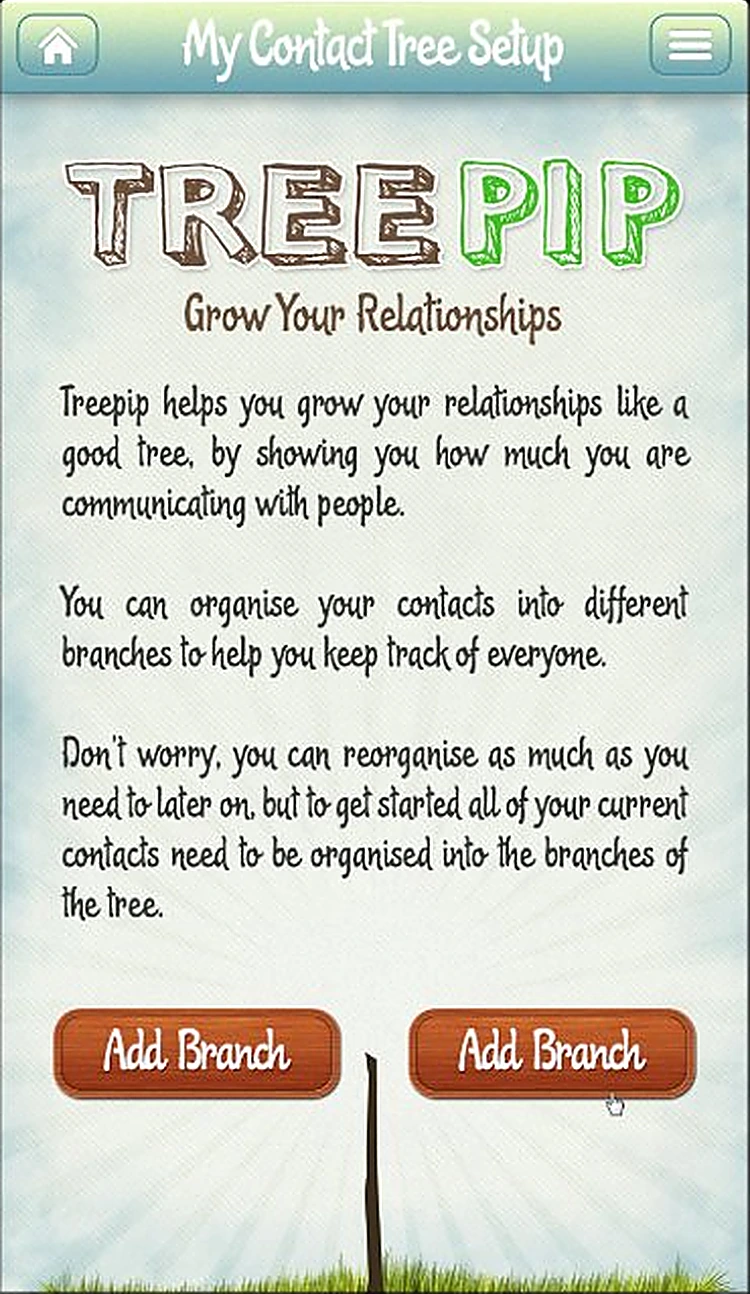 Tree setupOrganise contacts into branches of your tree.
 - 05
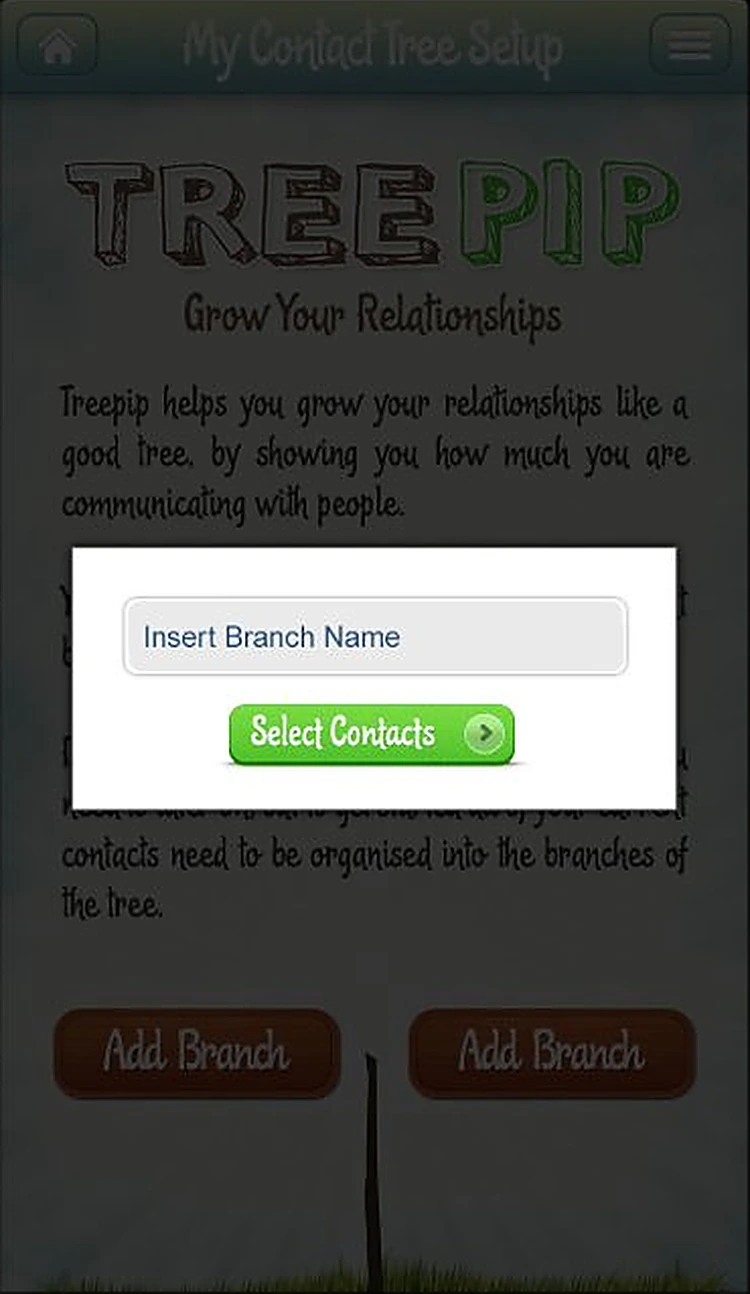 Add branchName a branch, then choose who belongs on it.
 - 06
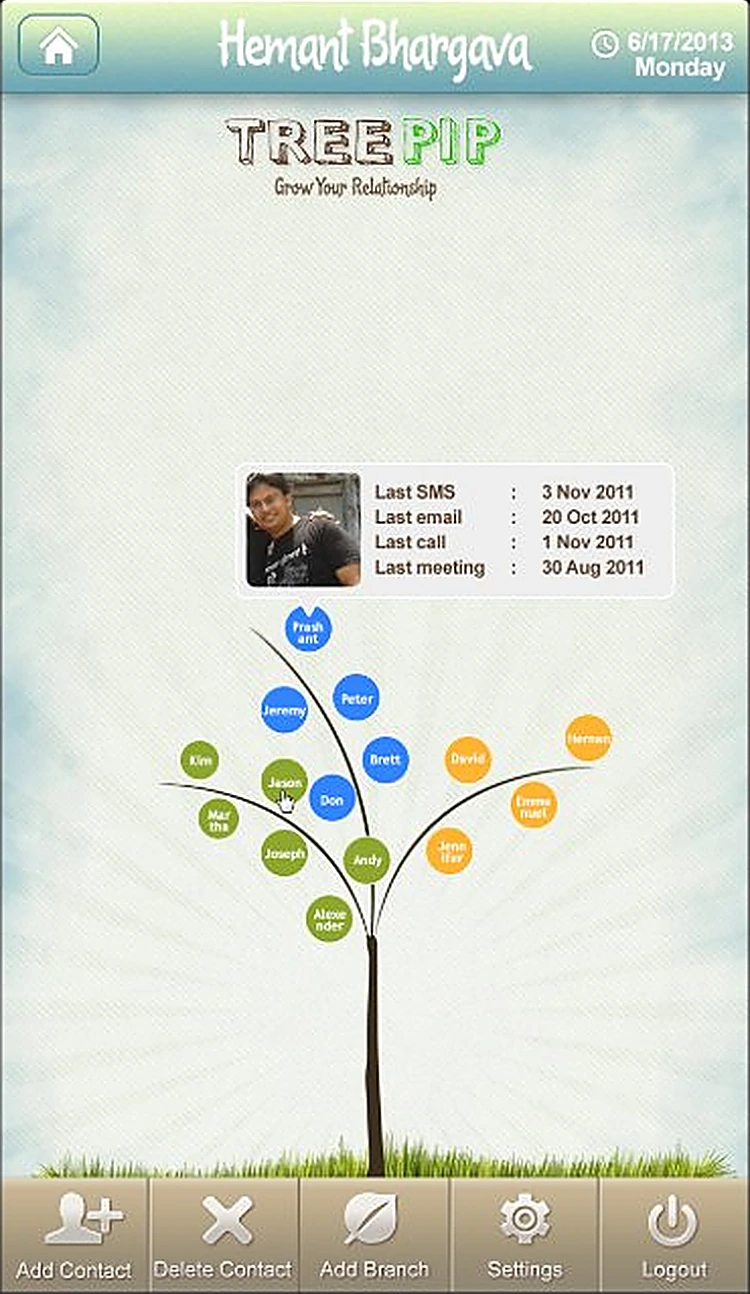 My treeYour relationships as a tree, with each contact's last touchpoints.
Every screen, all the way round.
Drag to spin the carousel, or let it turn on its own.
Designed around what users need most
Simple onboarding
Welcome, register or log in in a few taps.
Welcome. Log in or register today.
Guided setup
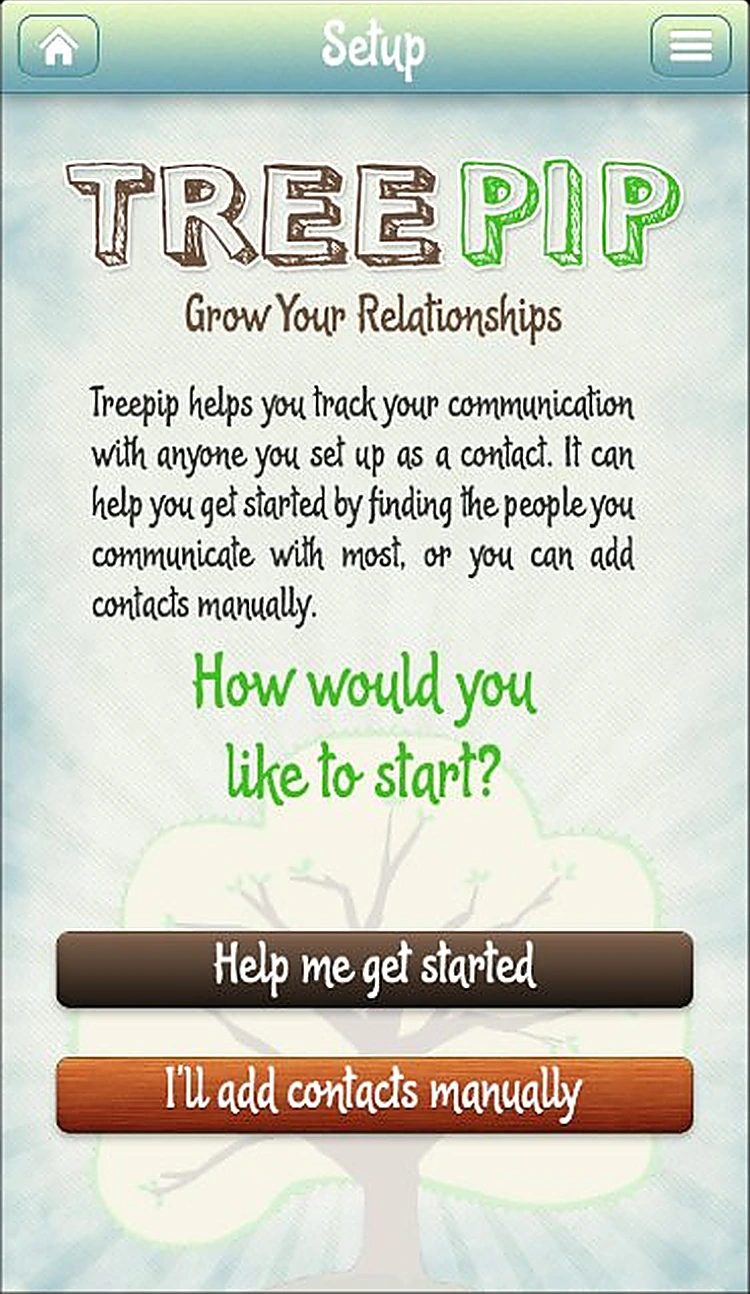
Let TreePip find your top contacts or add them yourself.
Login. Quick email login.
Branches of contacts
Group people into branches and pick contacts for each.
Add branch. Name a branch, then choose who belongs on it.
Your relationship tree
Every contact as a leaf, with last SMS, email, call and meeting.
My tree. Your relationships as a tree, with each contact's last touchpoints.
All 9 screens
Hover a screen to lift it out of the layout.
Colour palette
The main colours across the TreePip screens, measured from the designs themselves, with how much of the interface each one covers.
- #DCE3DE81% of screens
- #33343112% of screens
- #AFC2B35% of screens
- #6D6E6A1% of screens
- #7BC0431% of screens
Have an app idea like TreePip?
Tell us what you want to build. We'll reply with a free consultation, a design approach and a clear quote.