
Shaheen
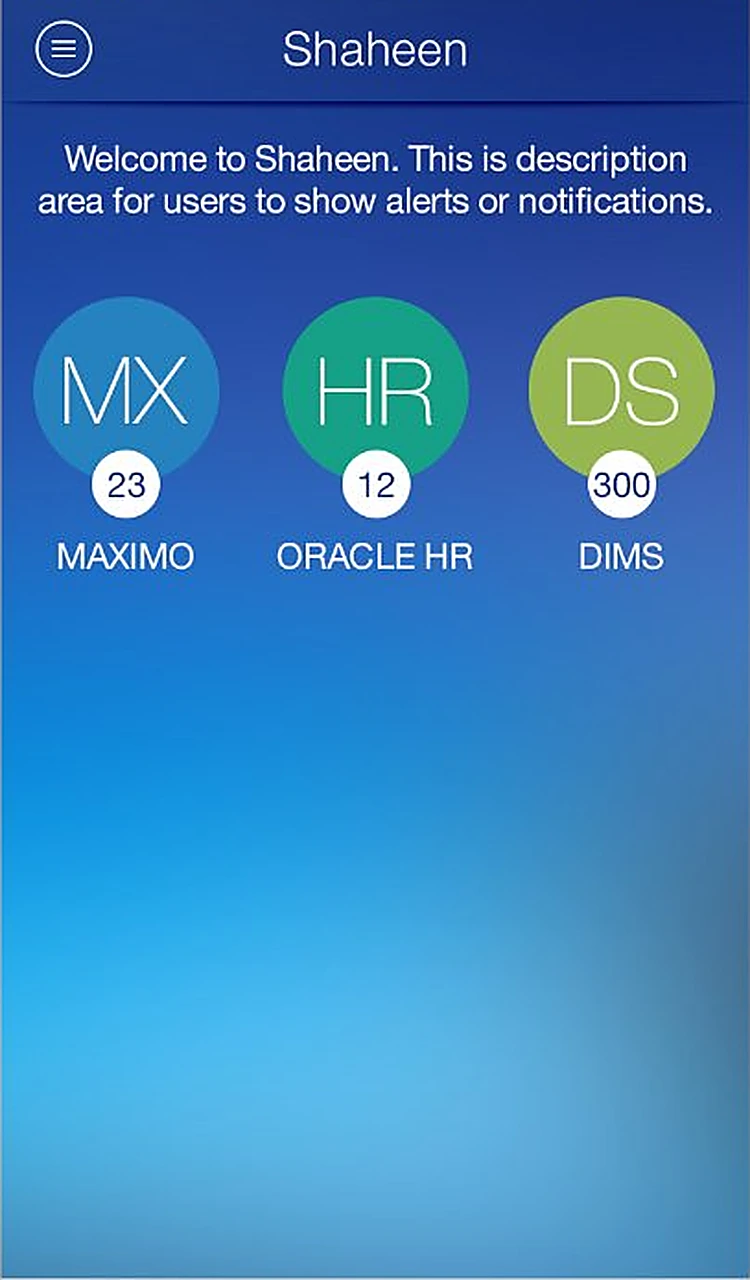
One app for managers to review, approve and reassign requests from MAXIMO, Oracle HR and DIMS.
The challenge
Managers had to log in to several enterprise systems at their desks to approve routine requests, so approvals waited whenever they were away.
What we designed
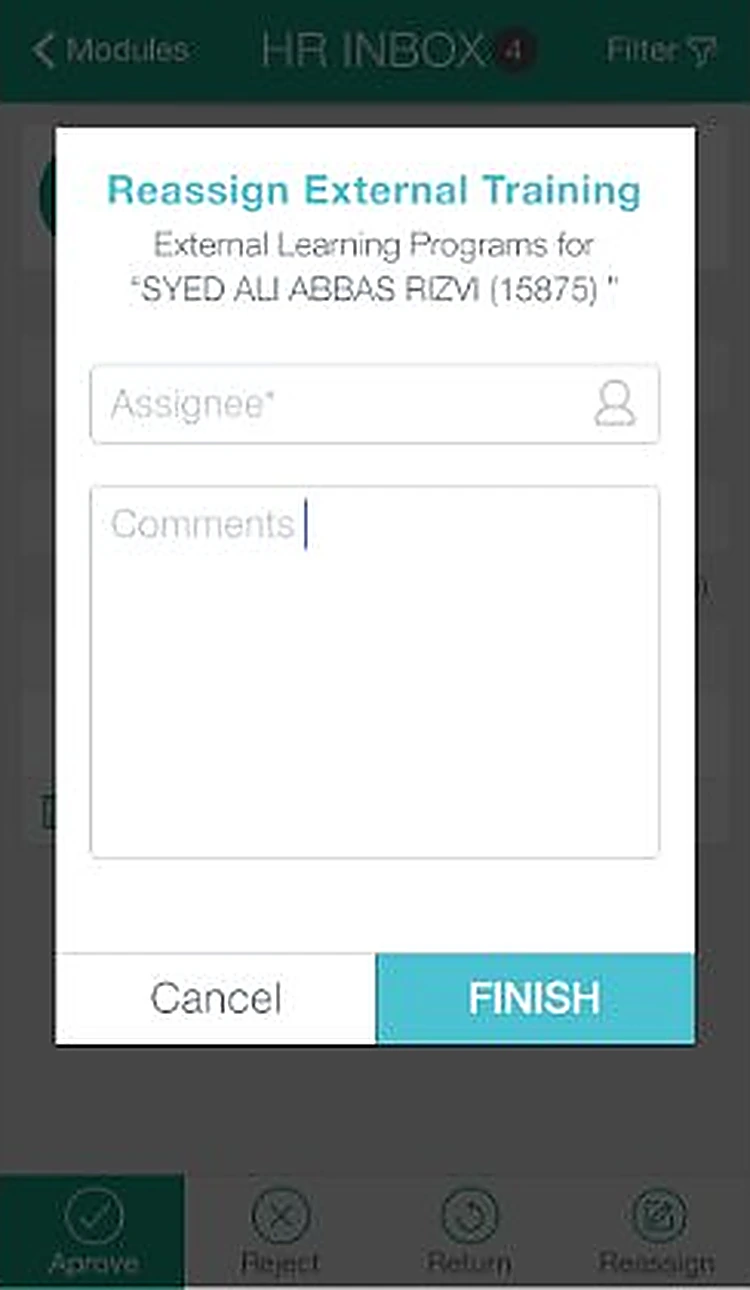
We put every system's pending approvals behind one sign-in, grouped requests by category with live counts, and made approve, reject, return and reassign one-tap actions with a comment.
- 11 iOS screens
- Module dashboard
- Category inbox and search
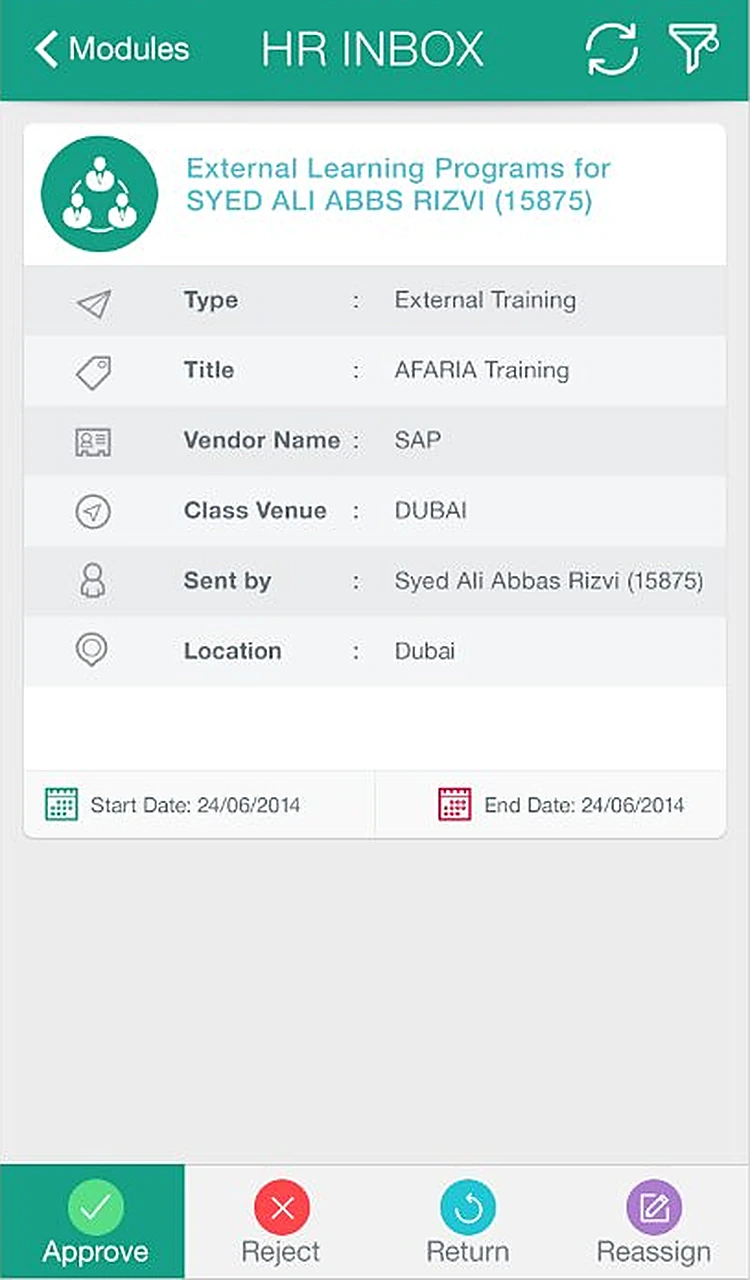
- Request details
- Approval, reject and reassign flows
How someone moves through Shaheen
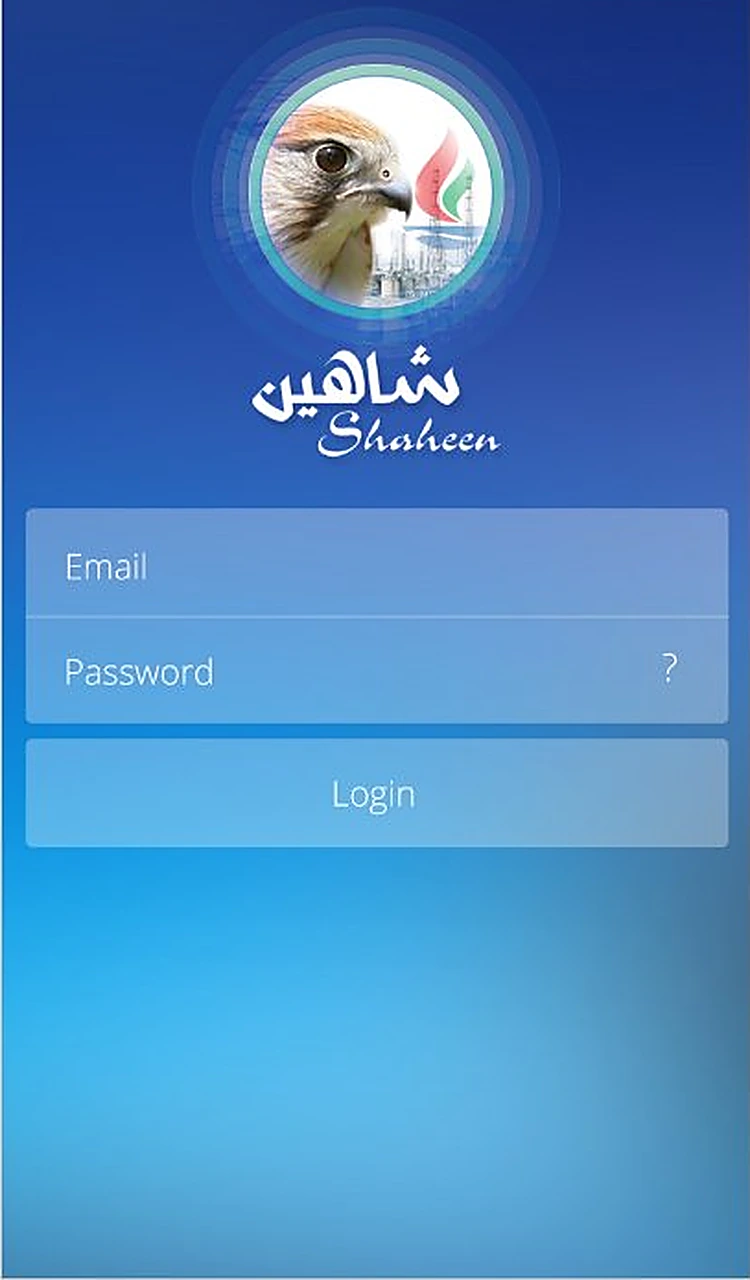
- 01LoginThe Shaheen falcon over a deep blue sign-in.
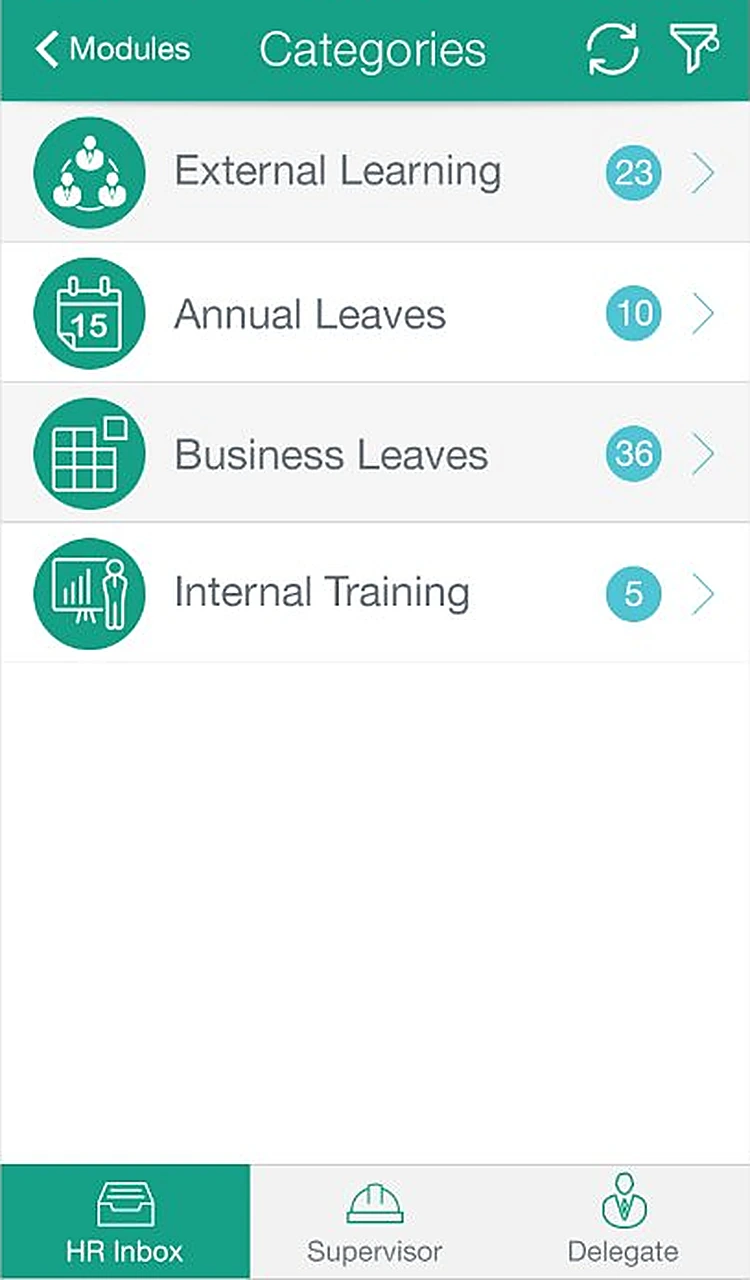
- 02CategoriesRequests grouped by type, with a count for each.
- 03
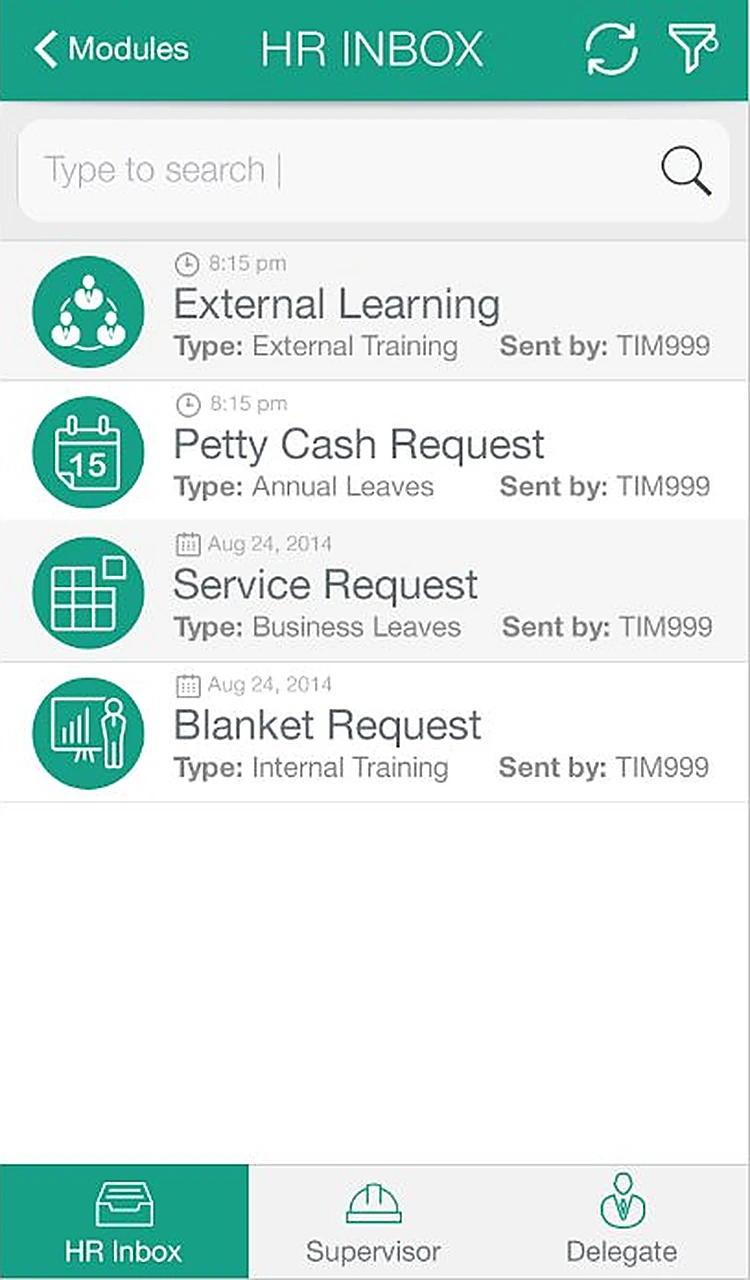 SearchTap the filter to search the inbox.
 - 04
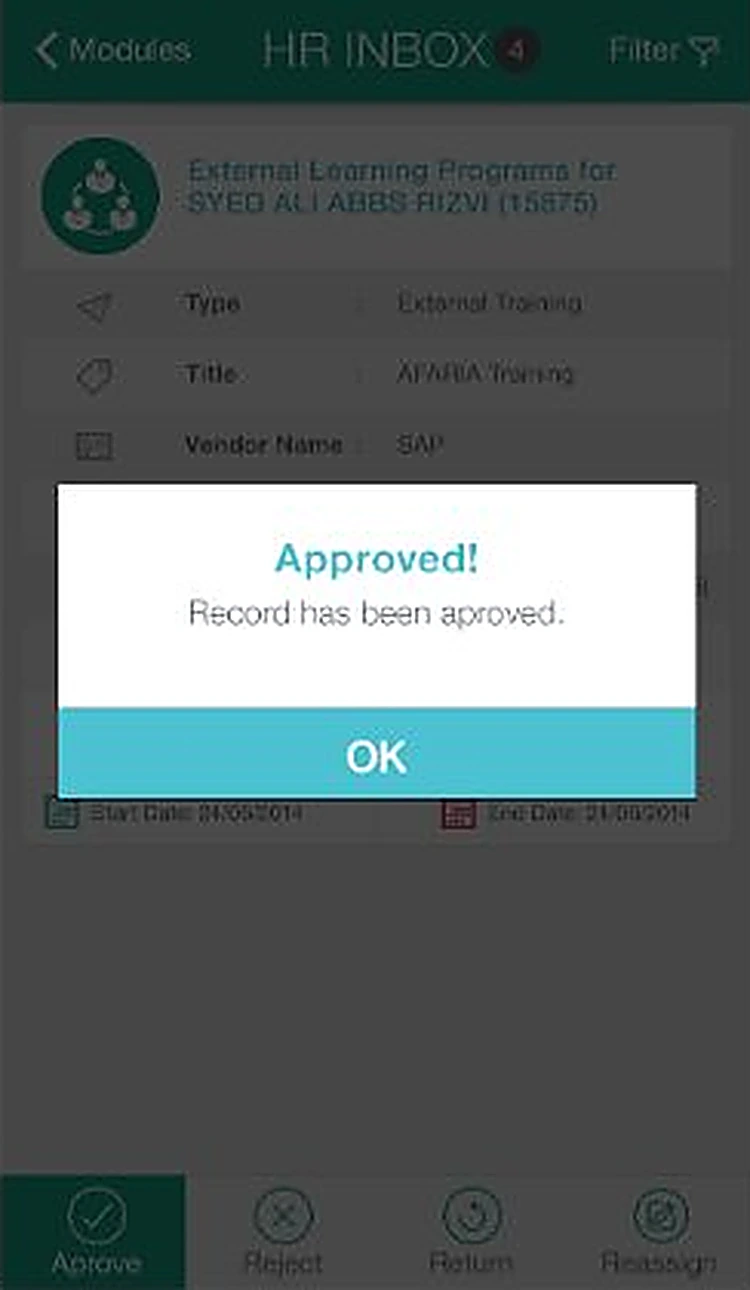
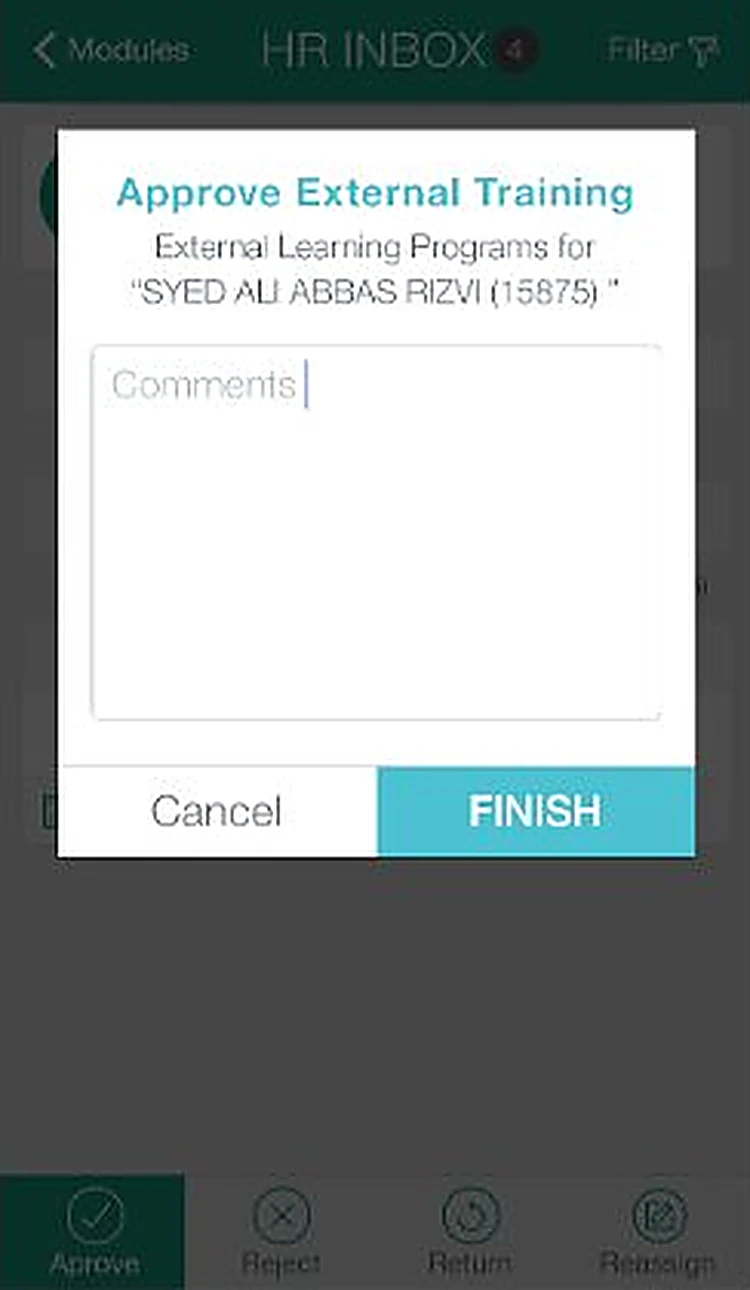 ApproveAdd a comment and finish the approval.
 - 05
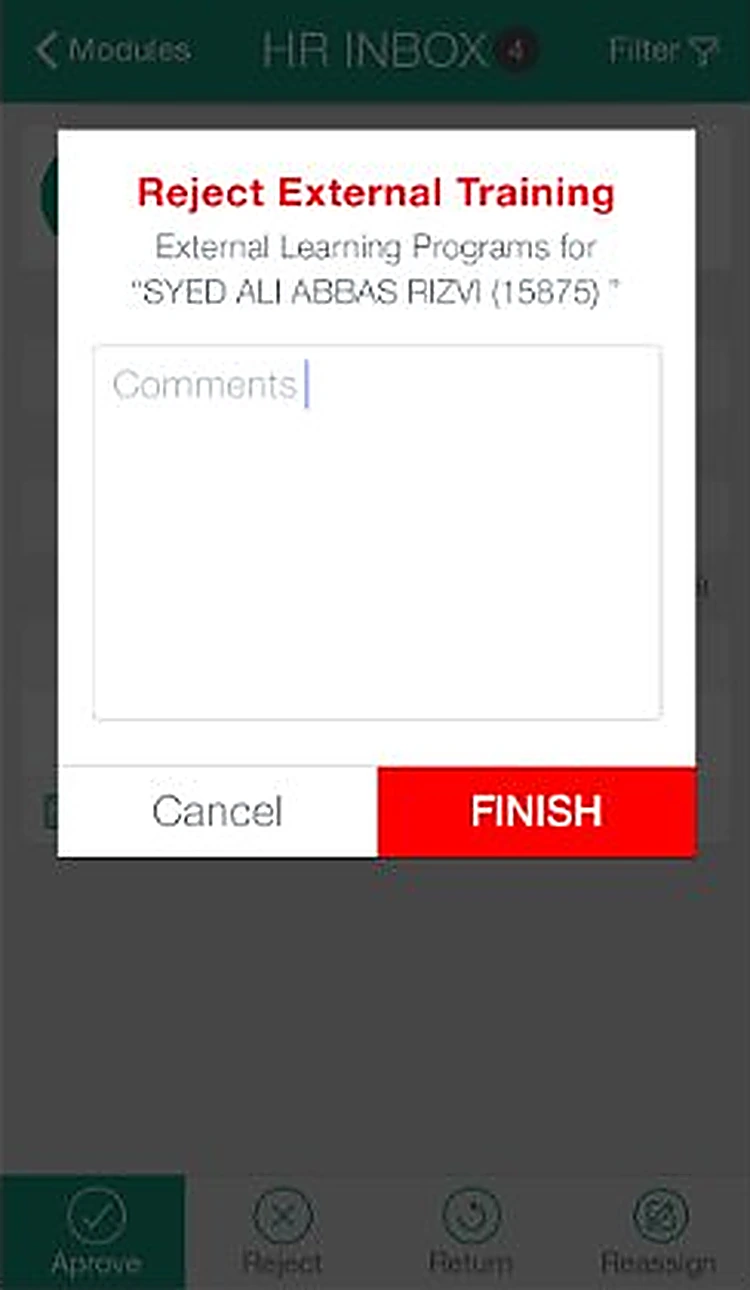 RejectReject with a comment, highlighted in red.
 - 06
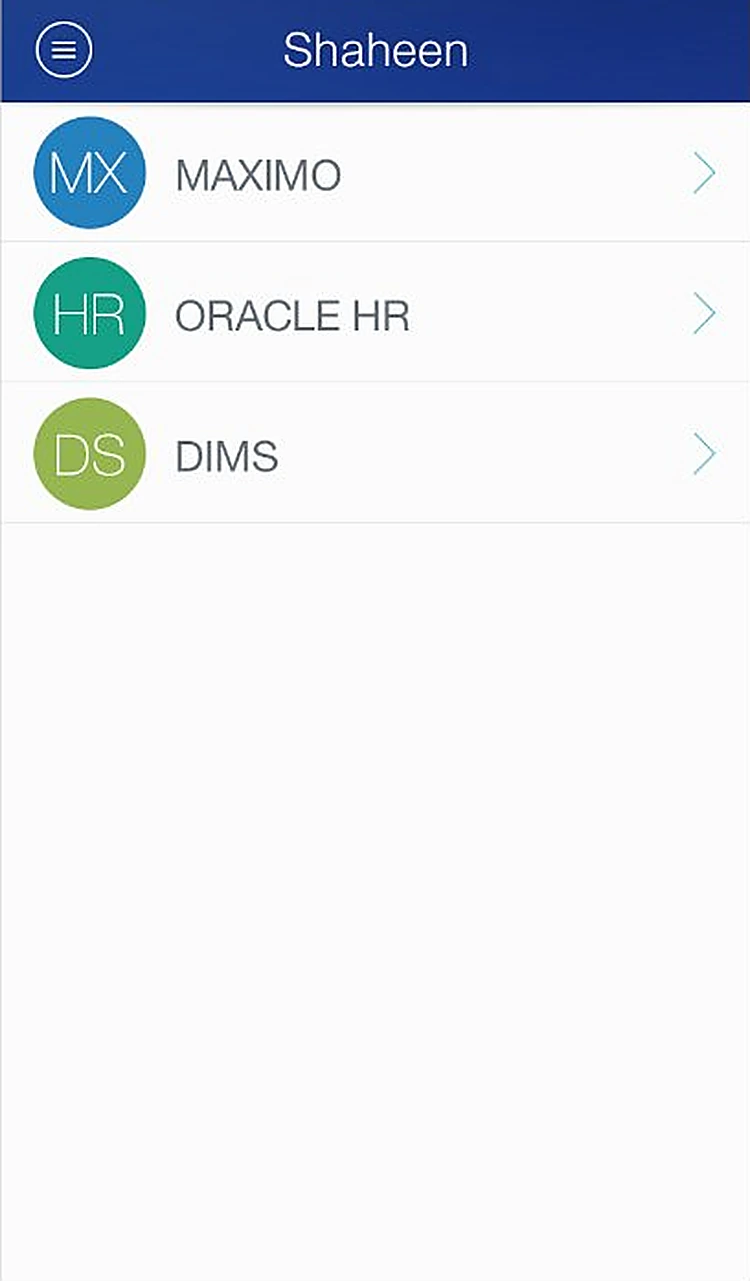 Module listAn alternative list layout for the modules.
Every screen, all the way round.
Drag to spin the carousel, or let it turn on its own.
Designed around what users need most
Single sign-in
One login for every connected system.
Modules. MAXIMO, Oracle HR and DIMS with pending counts.
Modules at a glance
MAXIMO, Oracle HR and DIMS with pending counts.
Search. Tap the filter to search the inbox.
Smart inbox
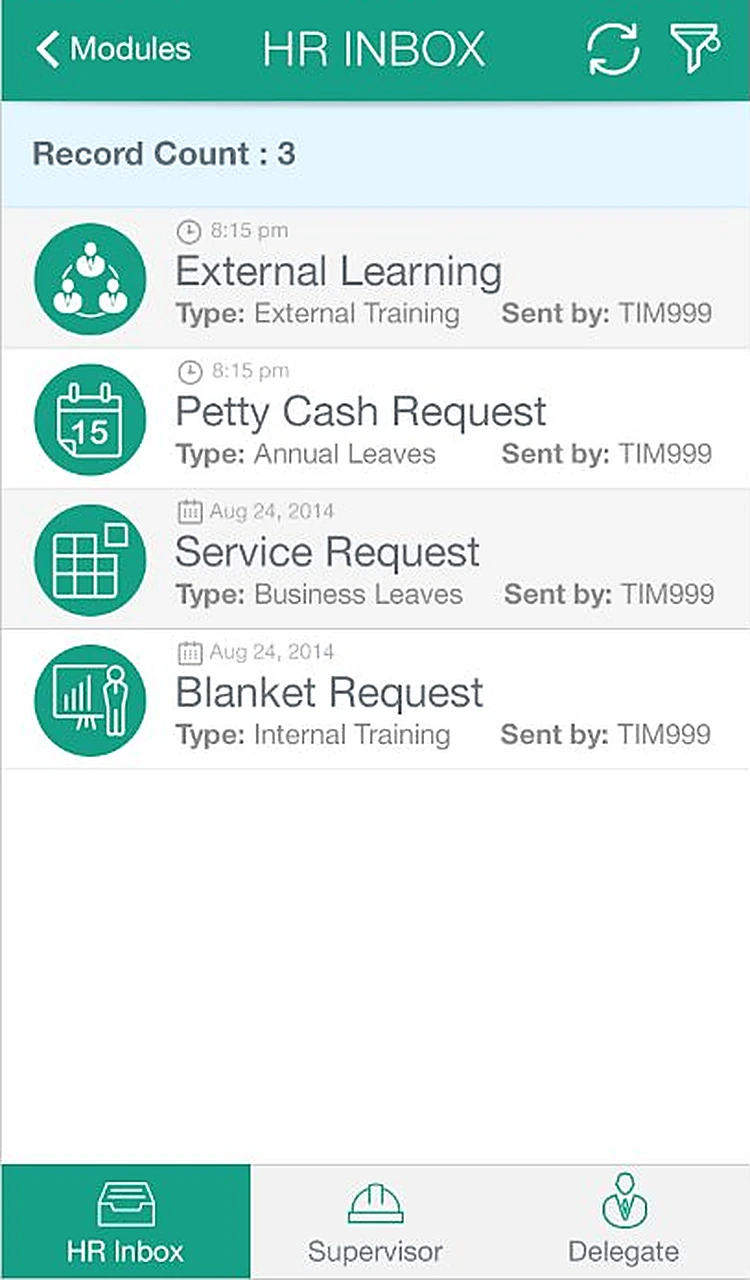
Requests by category, with search, filter and status icons.
Approved. A clear confirmation once a record is approved.
Approve on the go
Approve, reject, return or reassign with a comment.
Module list. An alternative list layout for the modules.
All 11 screens
Hover a screen to lift it out of the layout.
Colour palette
The main colours across the Shaheen screens, measured from the designs themselves, with how much of the interface each one covers.
- #FFFFFF54% of screens
- #46464619% of screens
- #54B5E013% of screens
- #337ABE5% of screens
- #2A46865% of screens
- #1BA58A5% of screens
Have an app idea like Shaheen?
Tell us what you want to build. We'll reply with a free consultation, a design approach and a clear quote.